Changing Backgrounds for Headshots

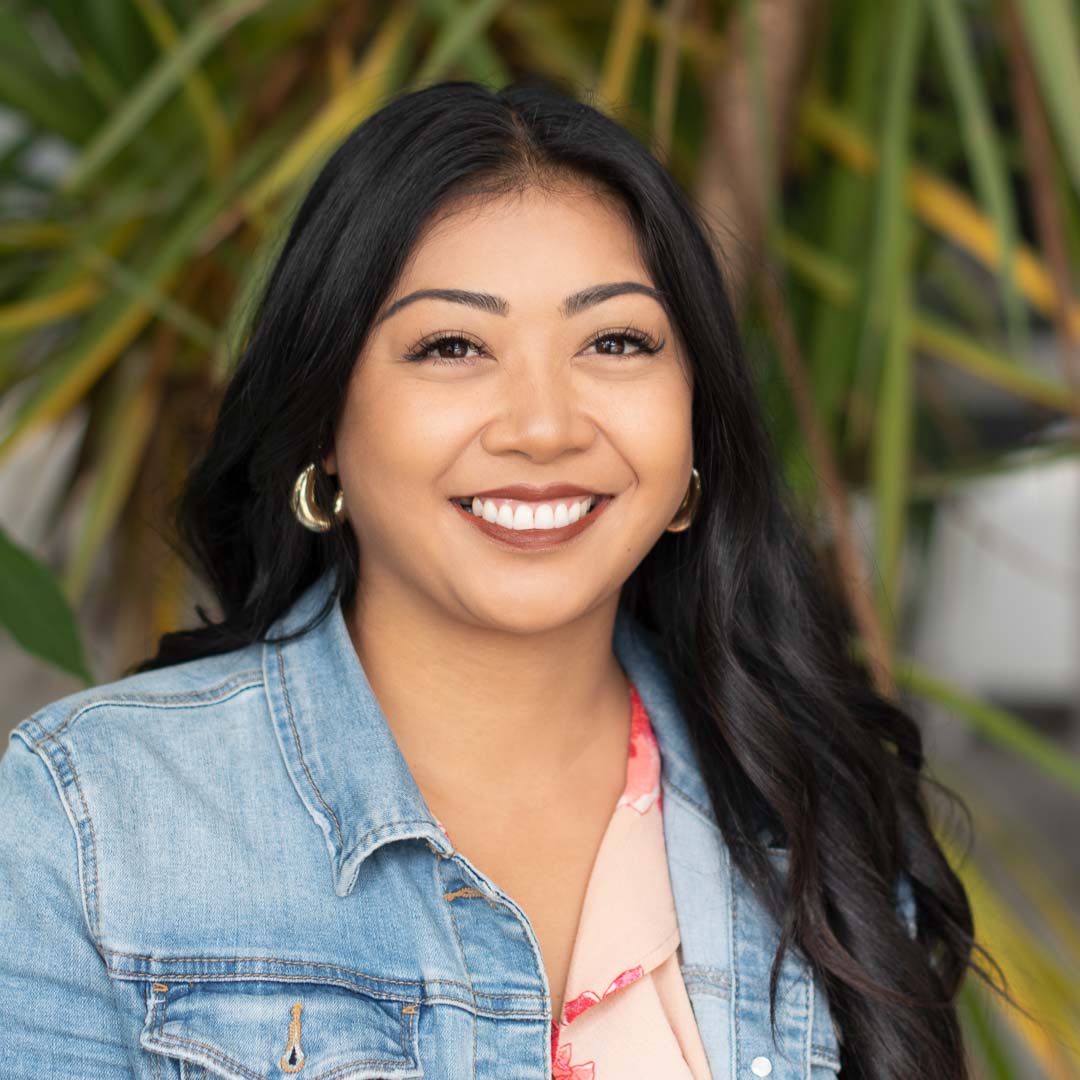
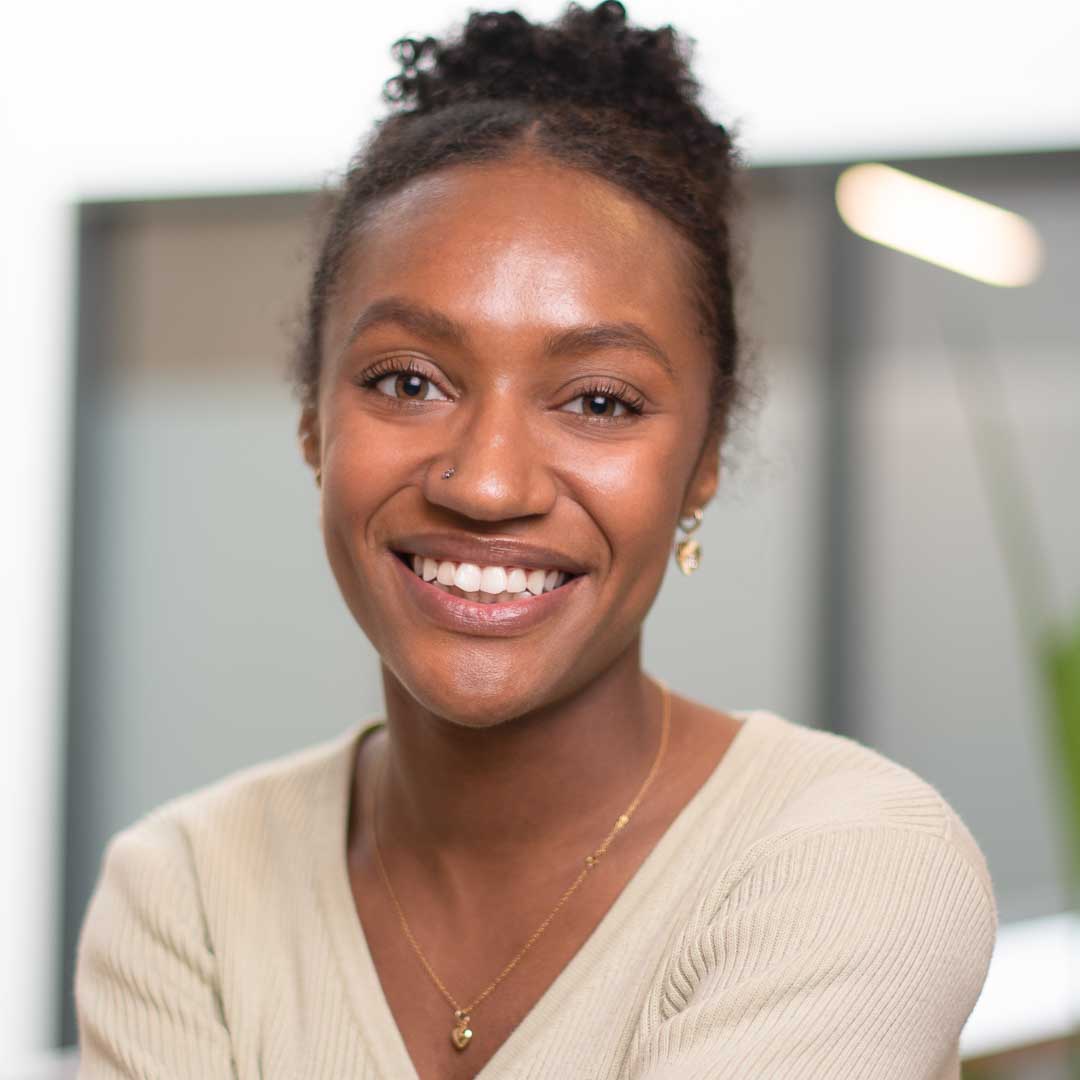
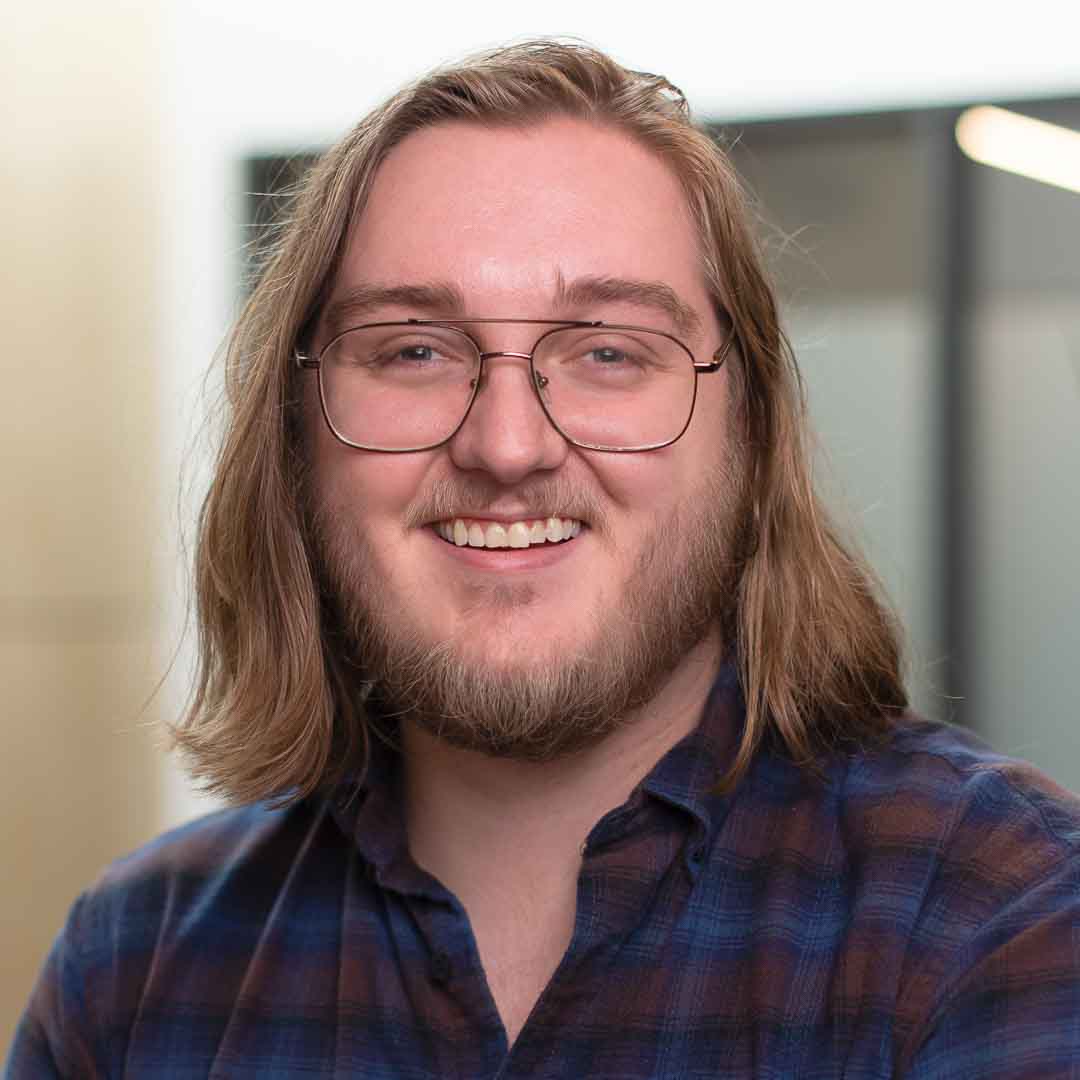
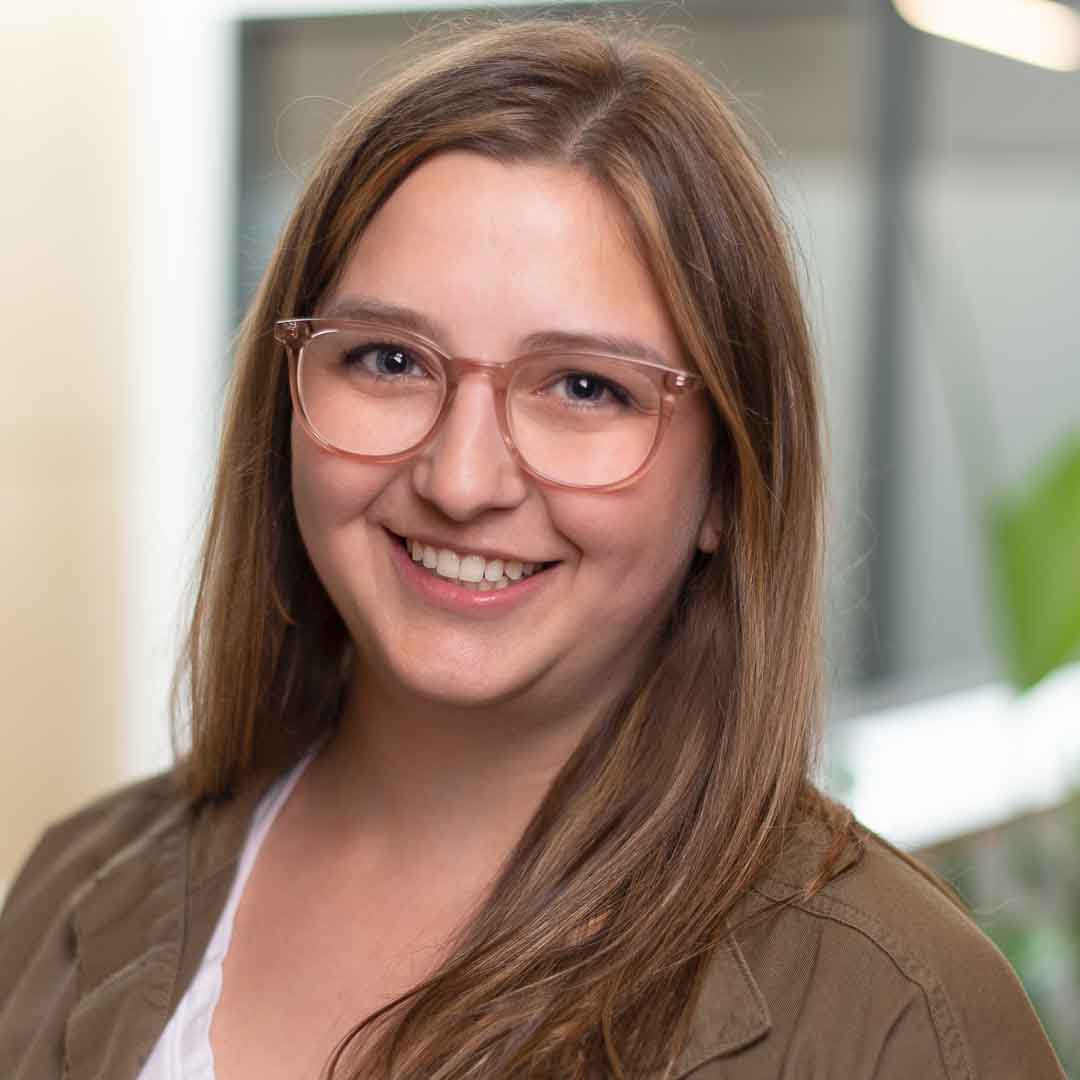
When it comes to professional headshots, the background you choose can have a big impact on the overall look and feel of your headshot photo. As part of the headshot image reatouching service included with our of our headshot pricing our team can edit backgrounds into your updated headshot. 

Included in the price of the headshot is the session, studio rental and one image selection from the proof gallery (unless you select a invidual session like the Classic for example). All selections from the proof gallery are retouched for final delivery.

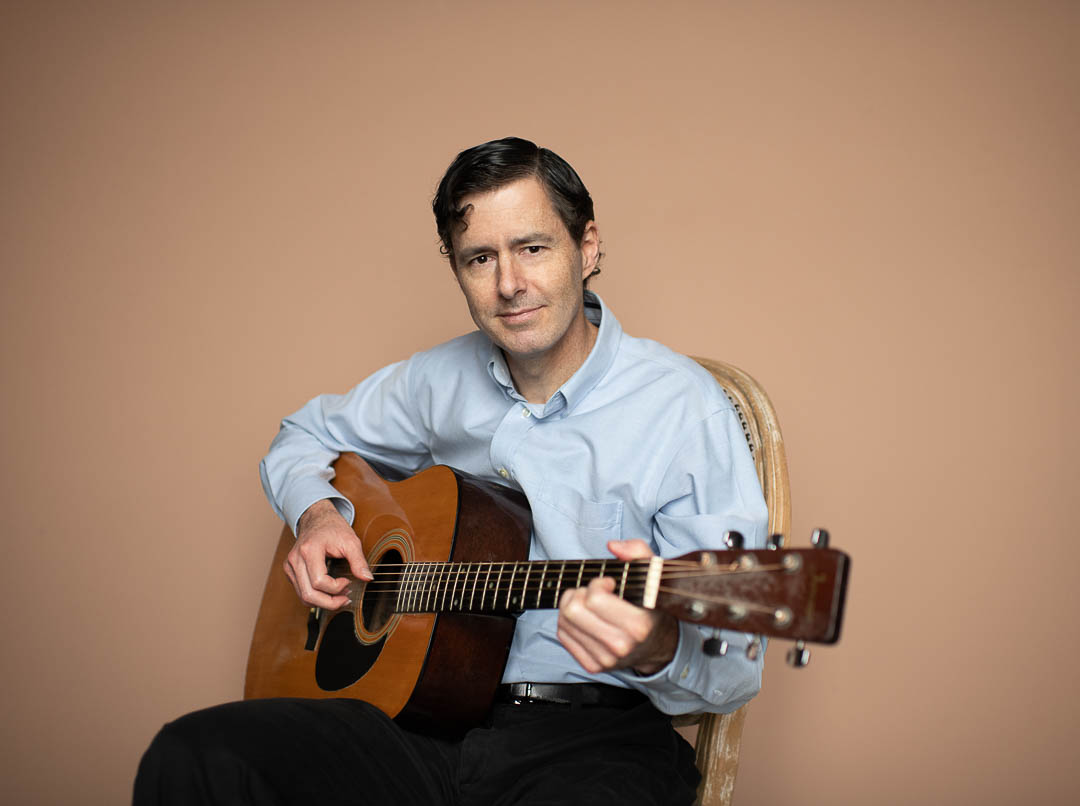
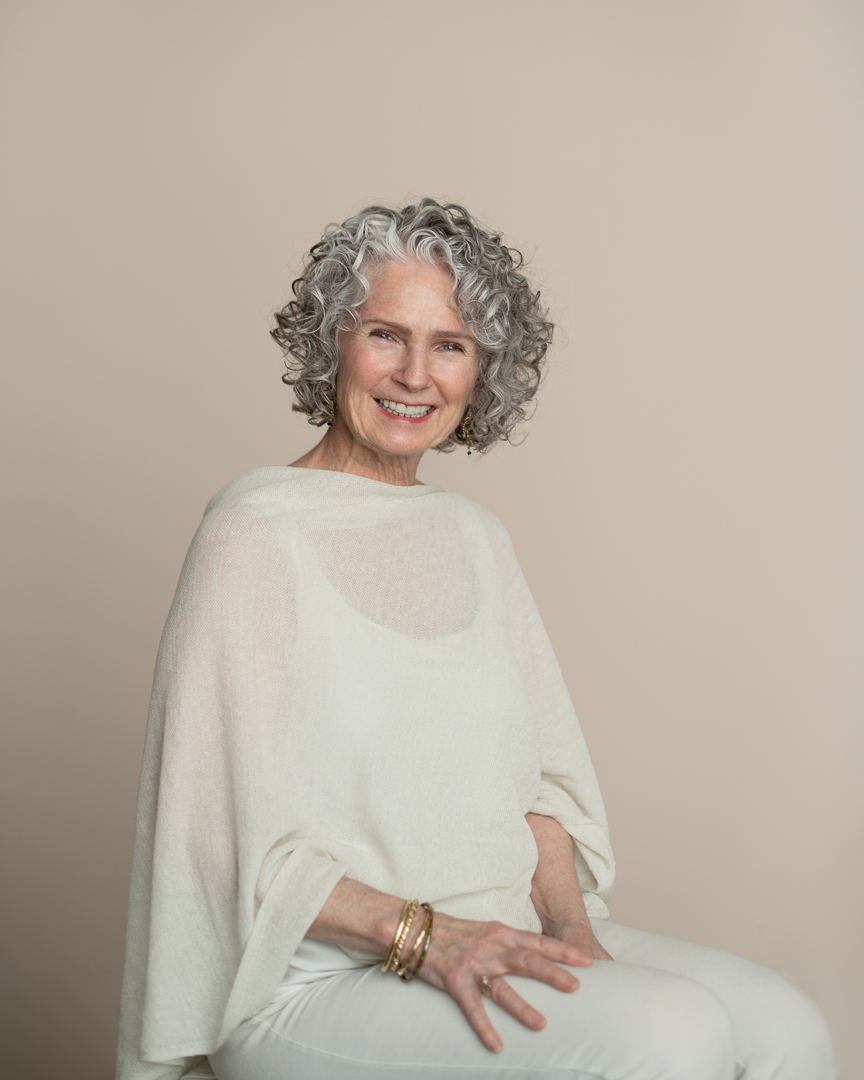
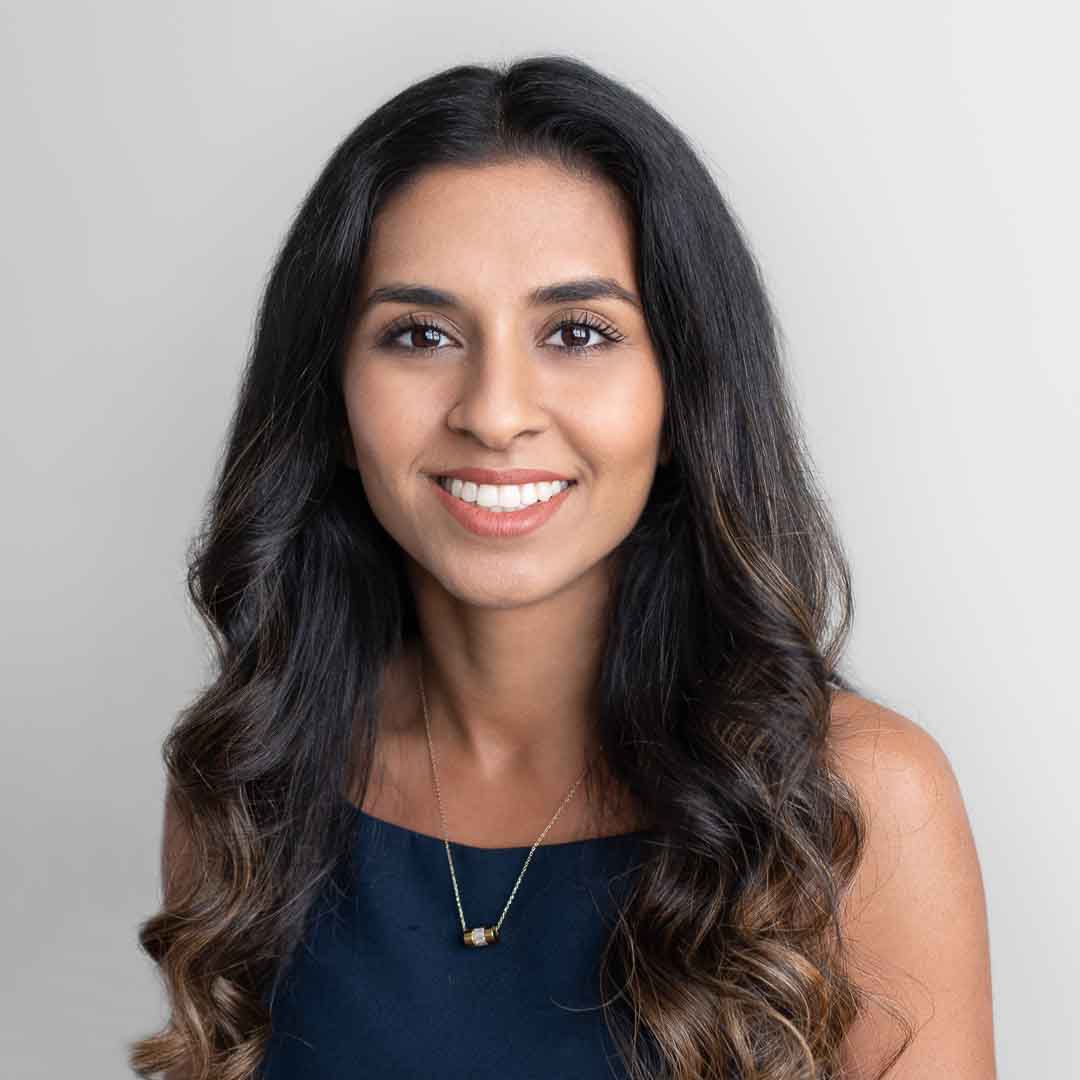
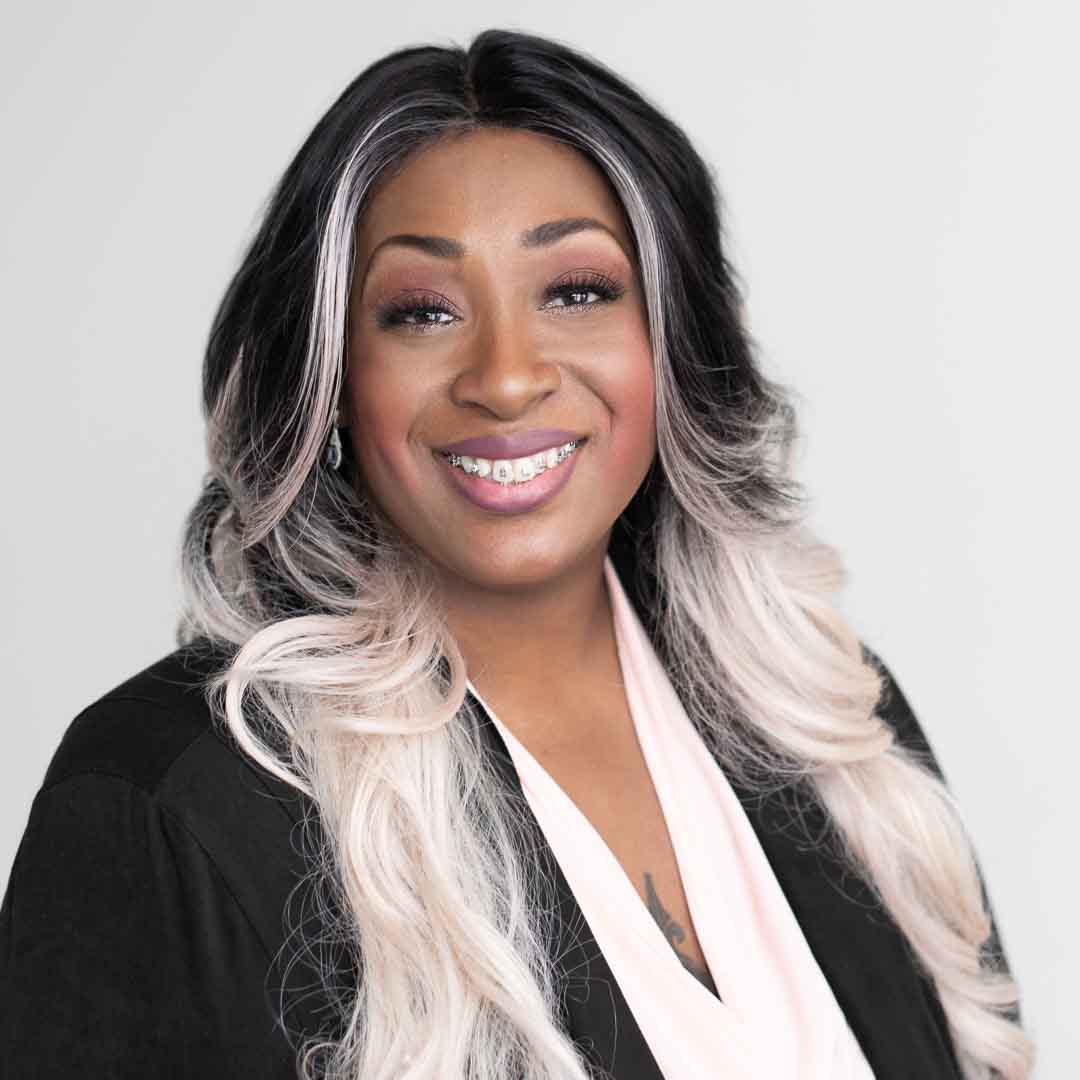
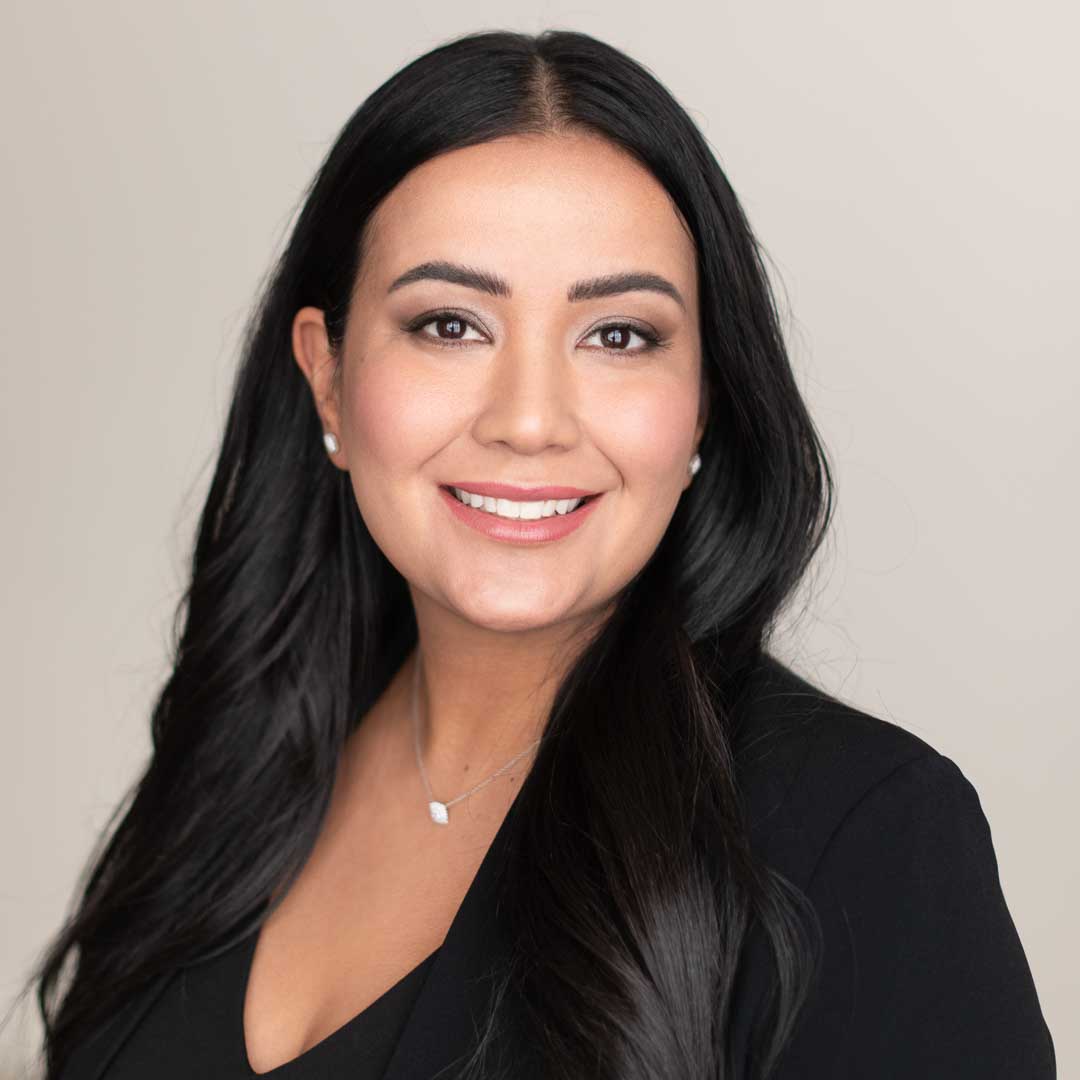
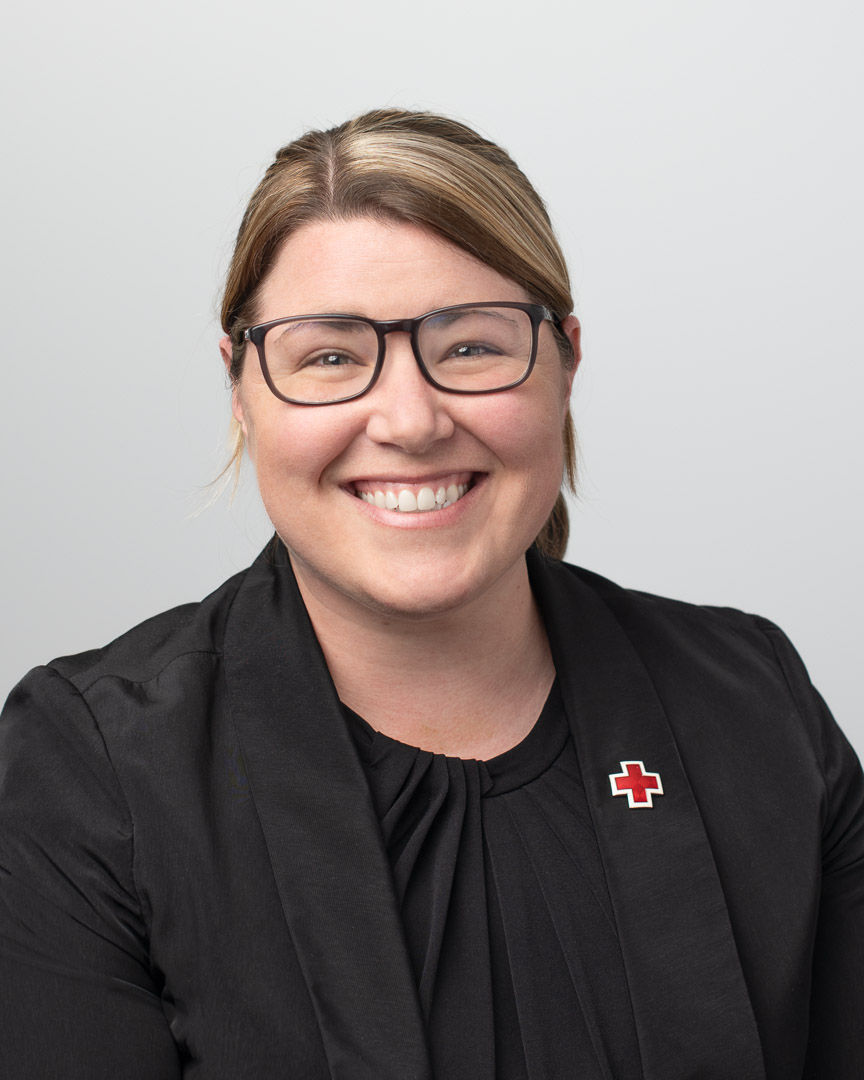
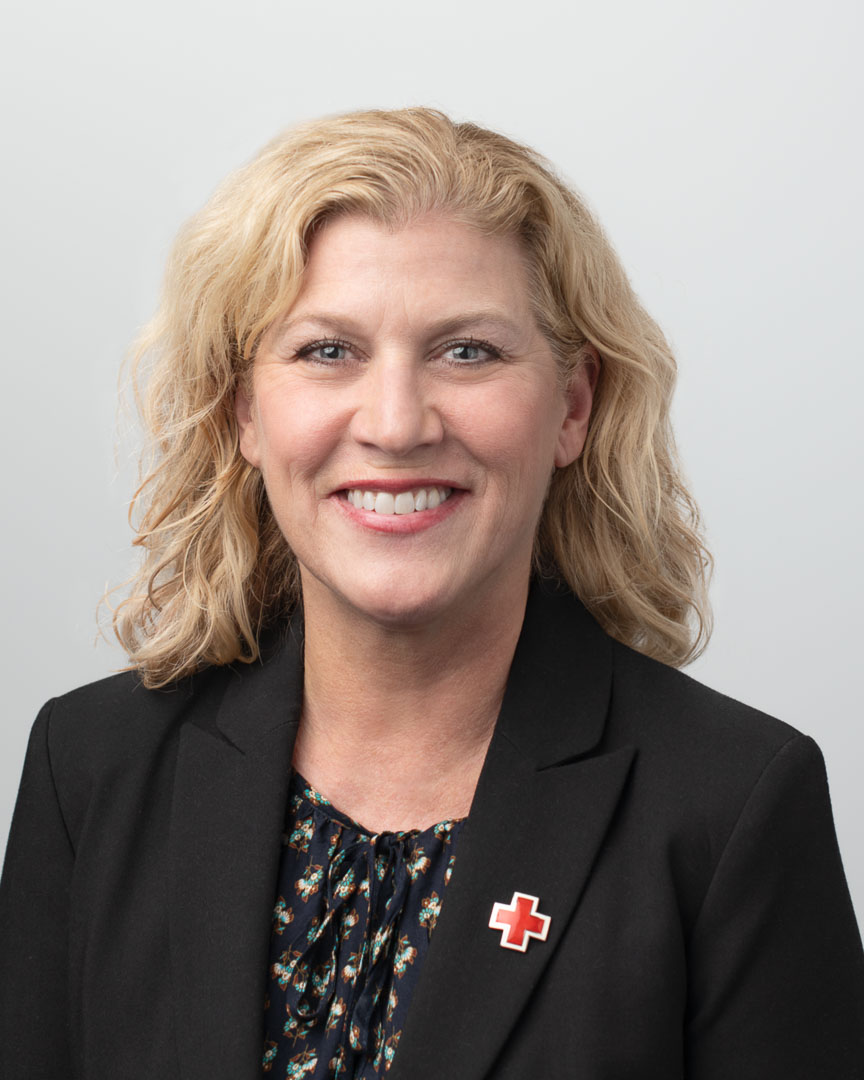
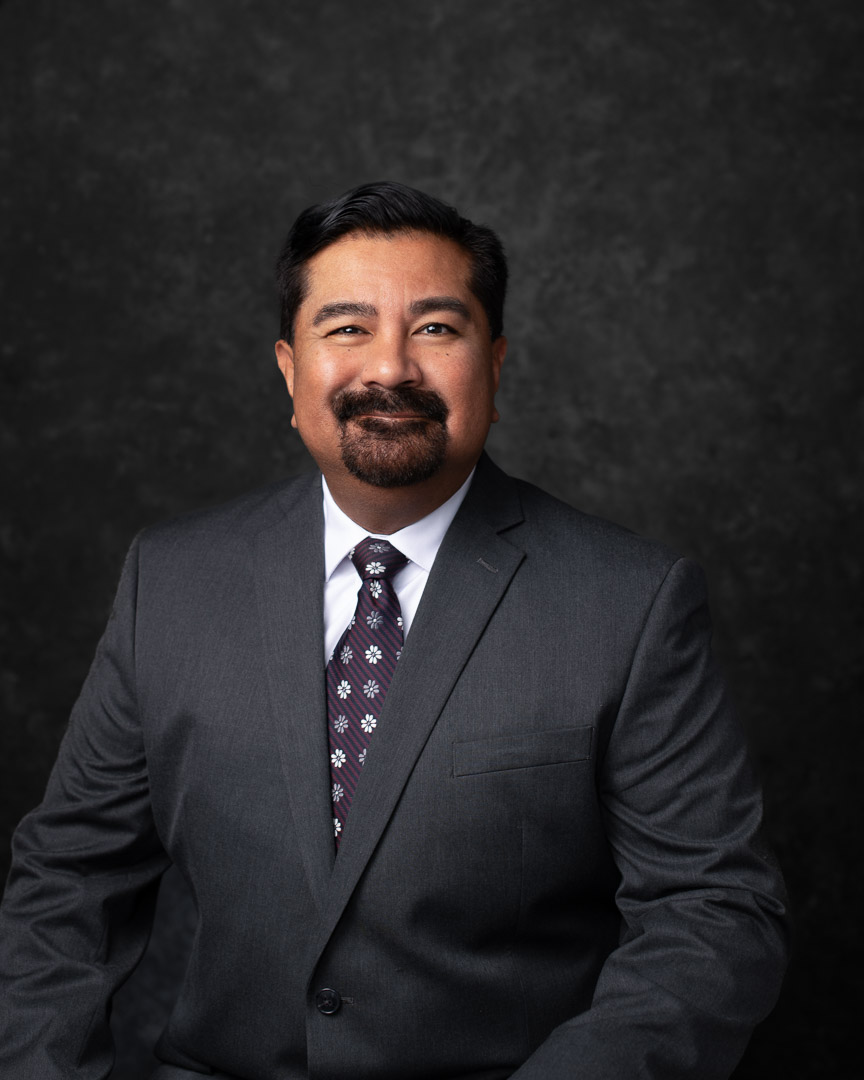
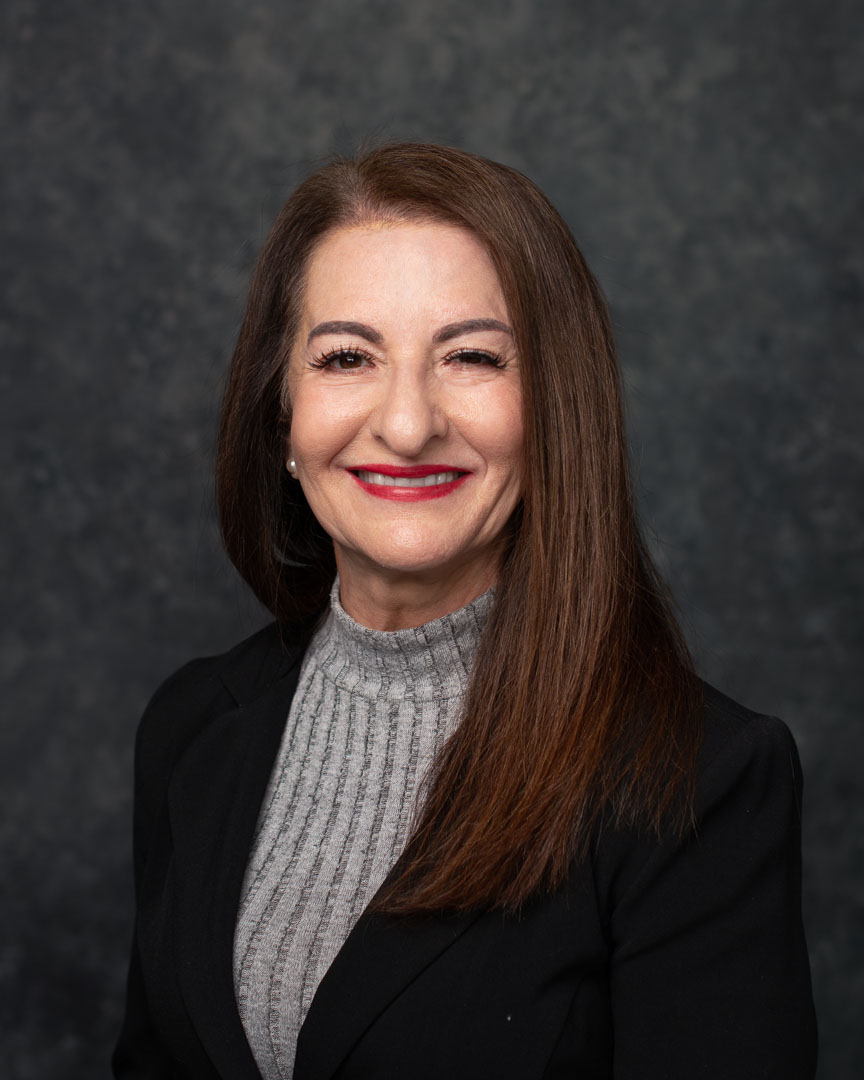
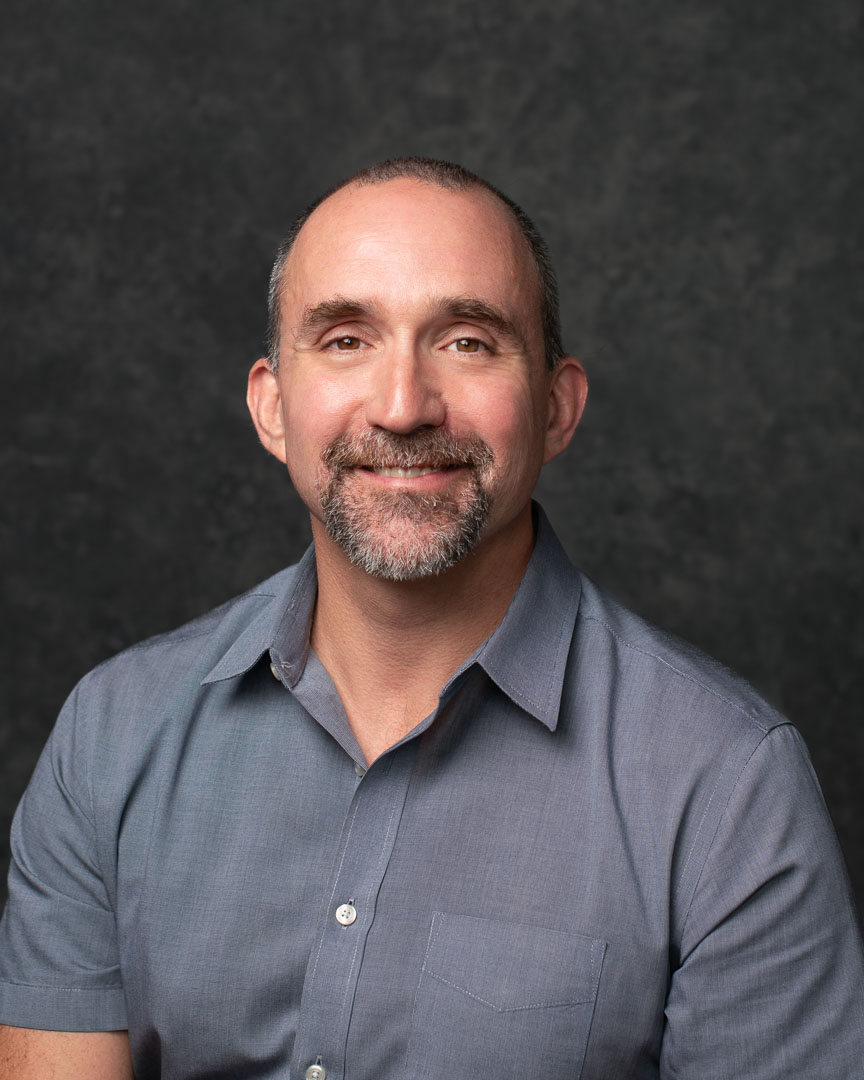
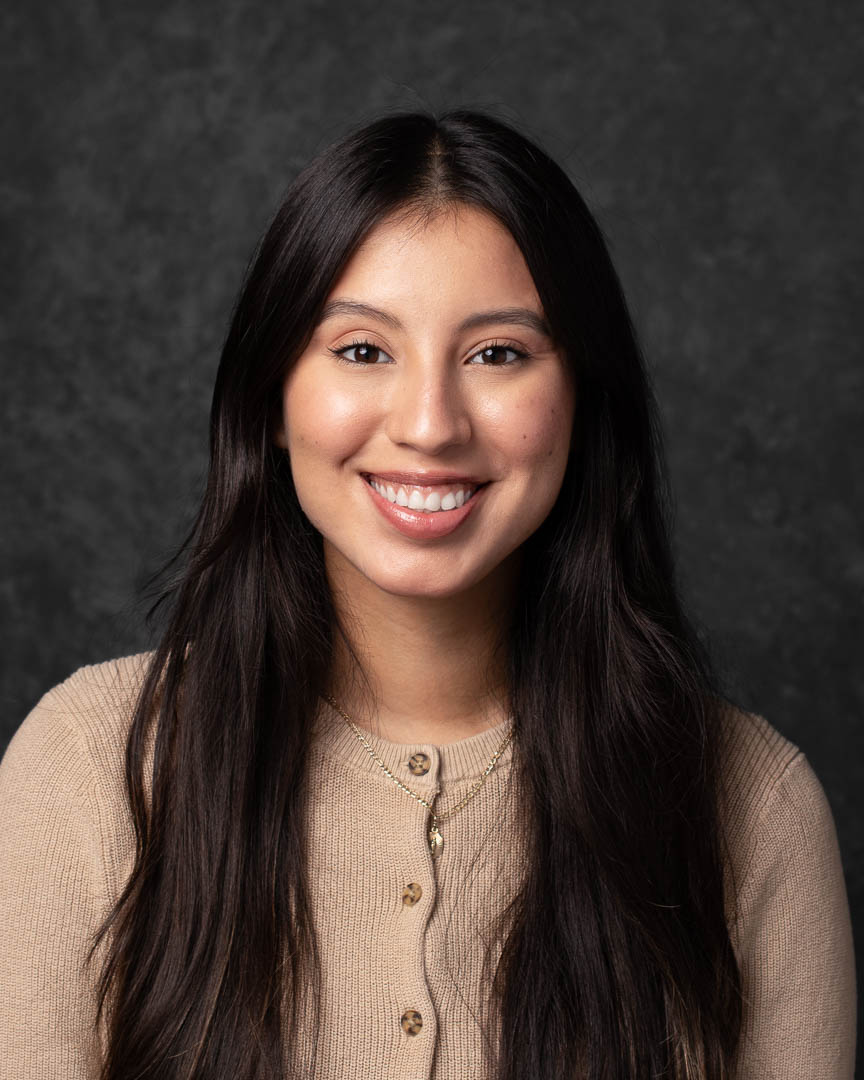
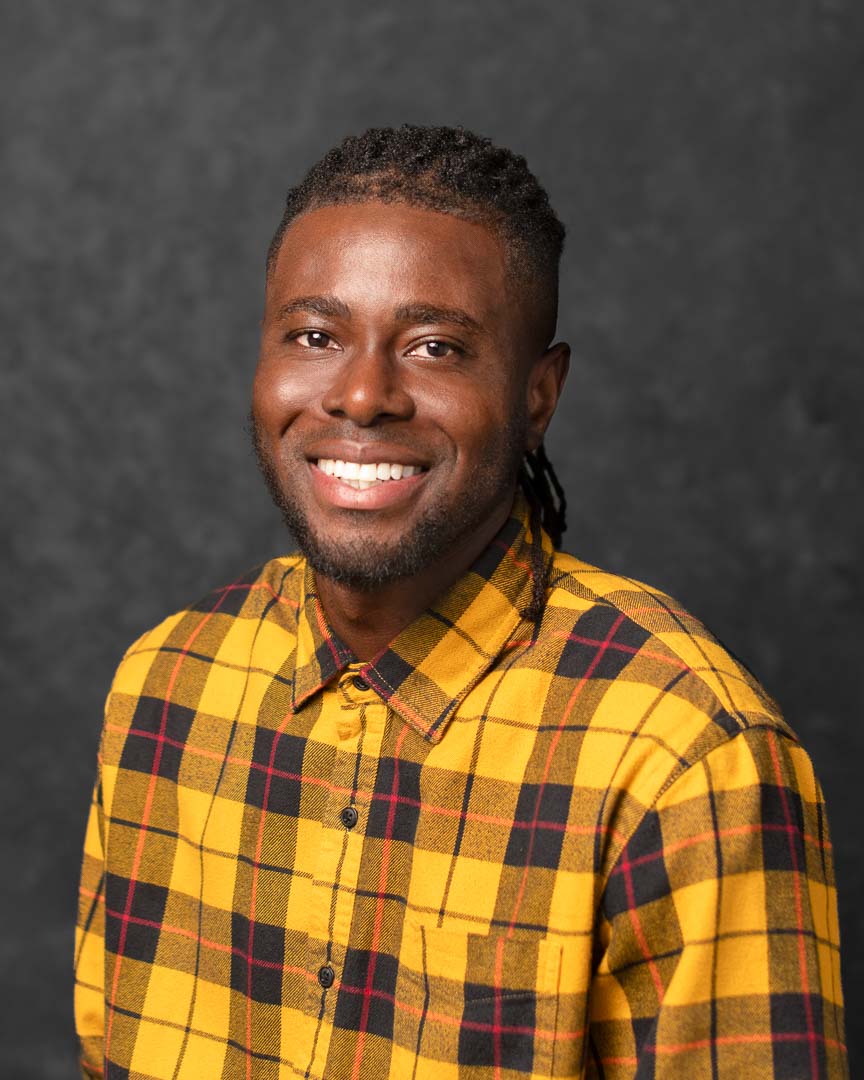
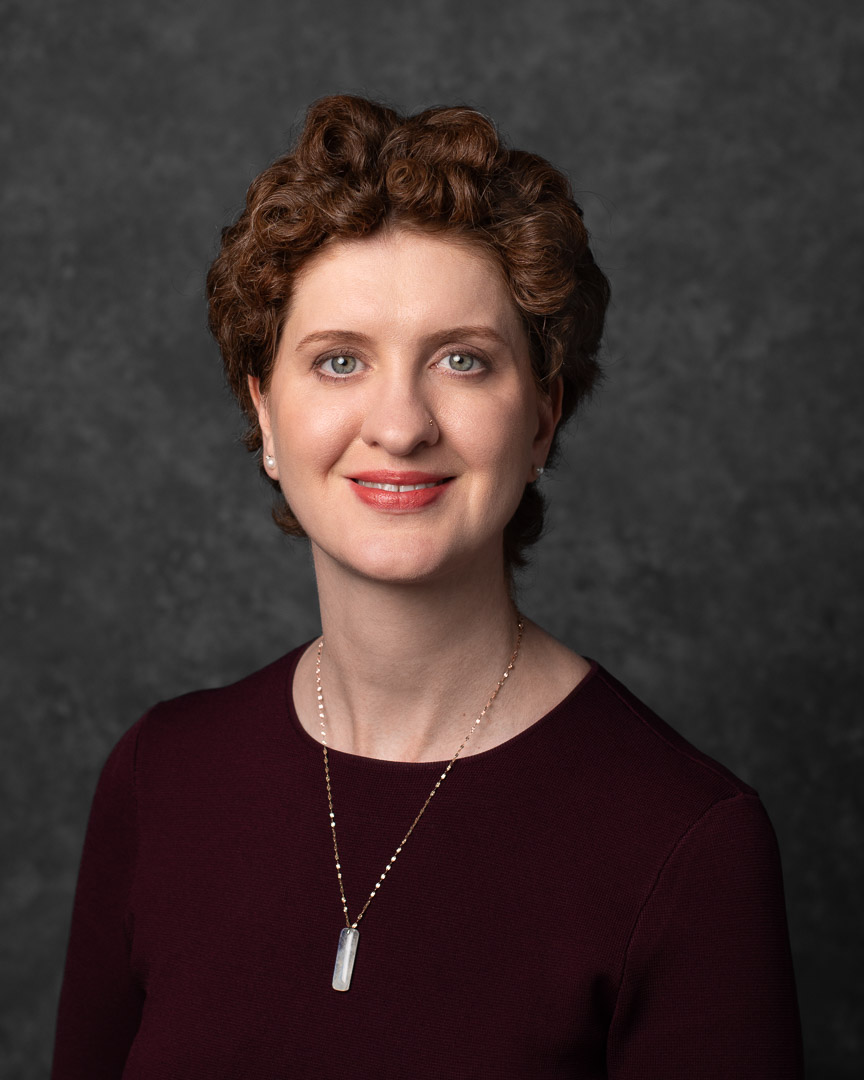
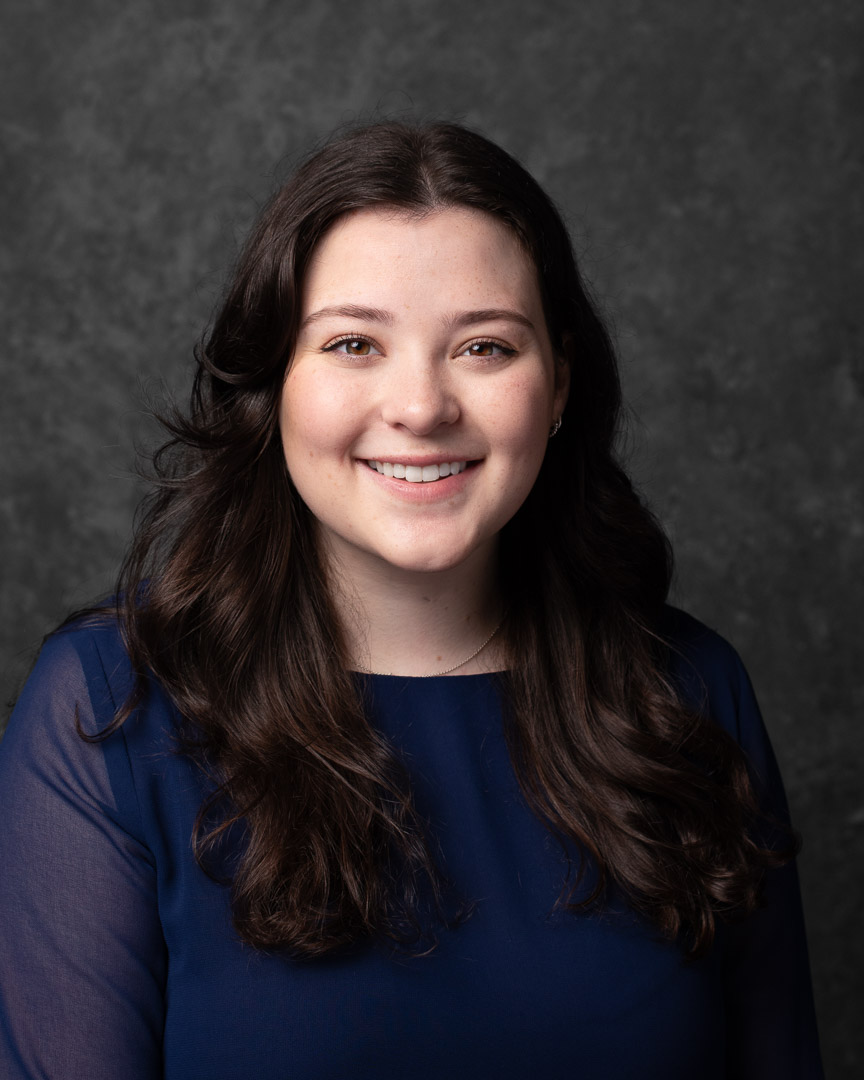
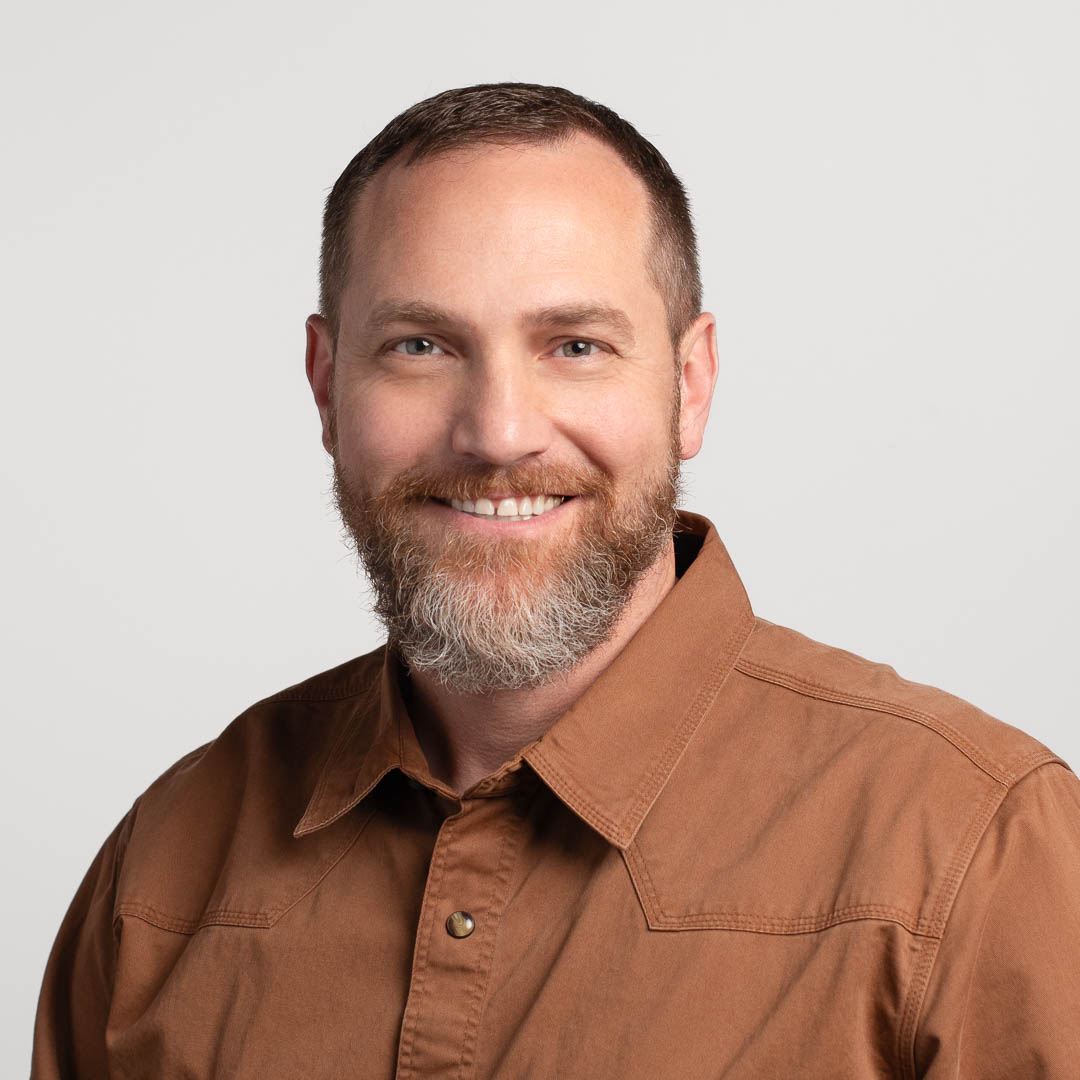
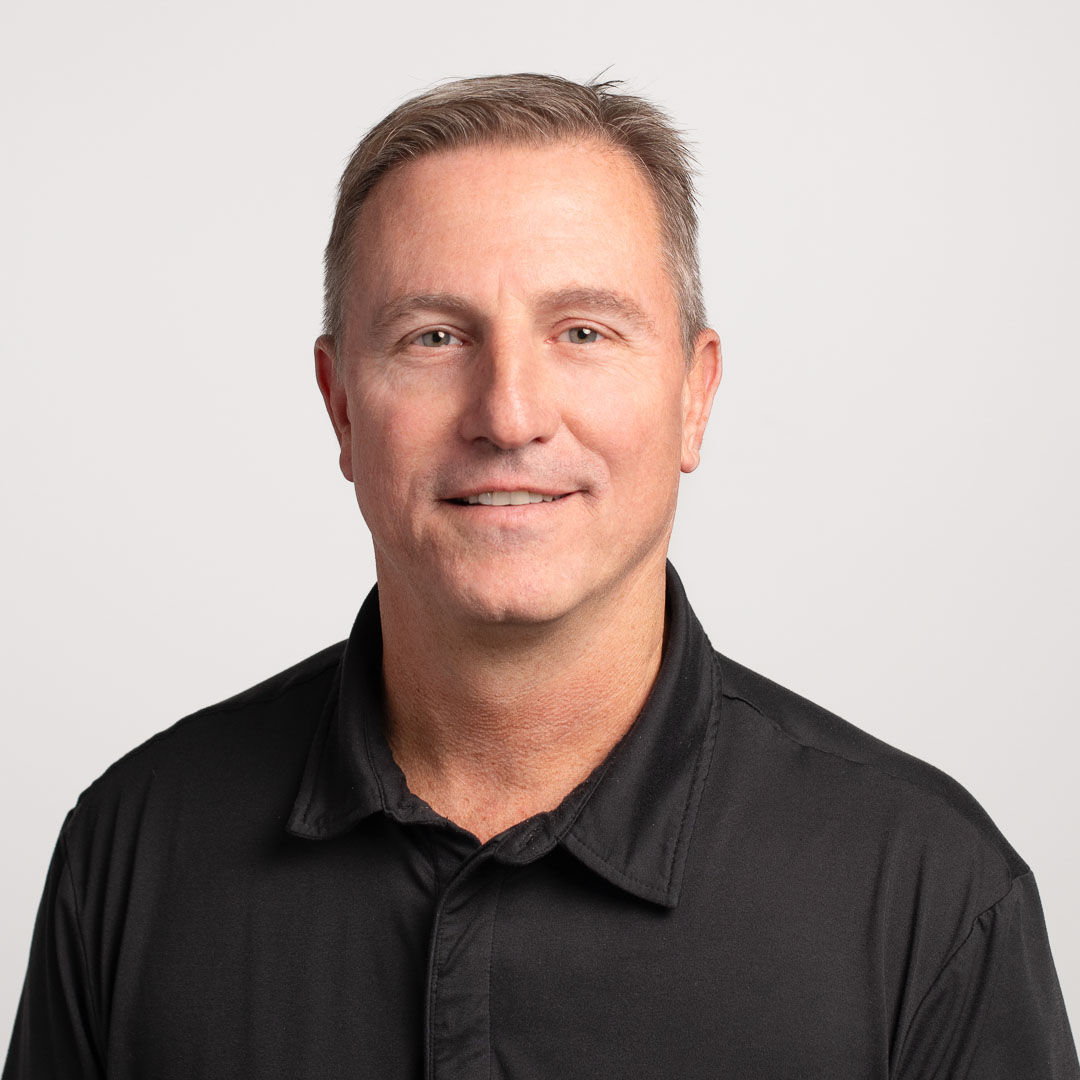
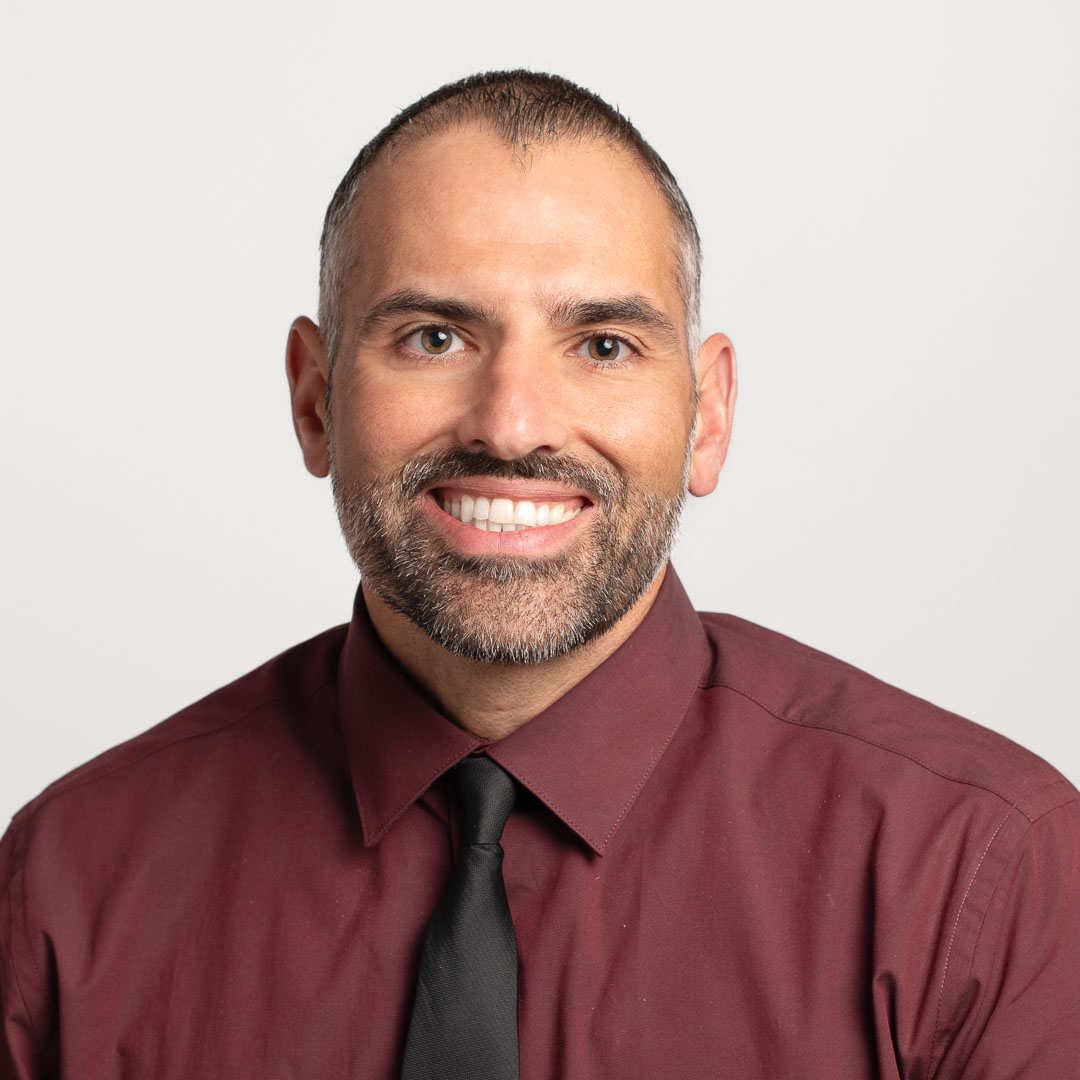
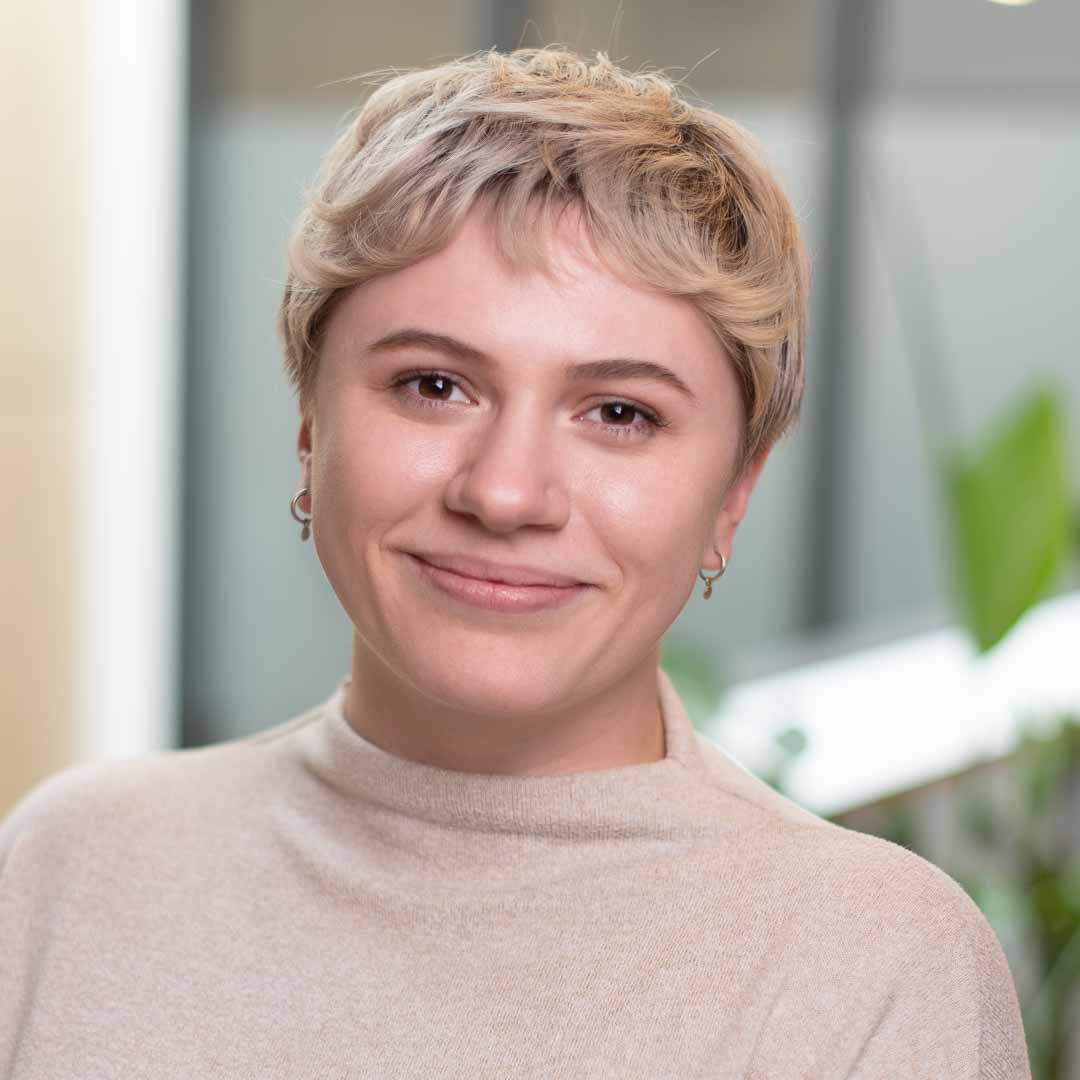
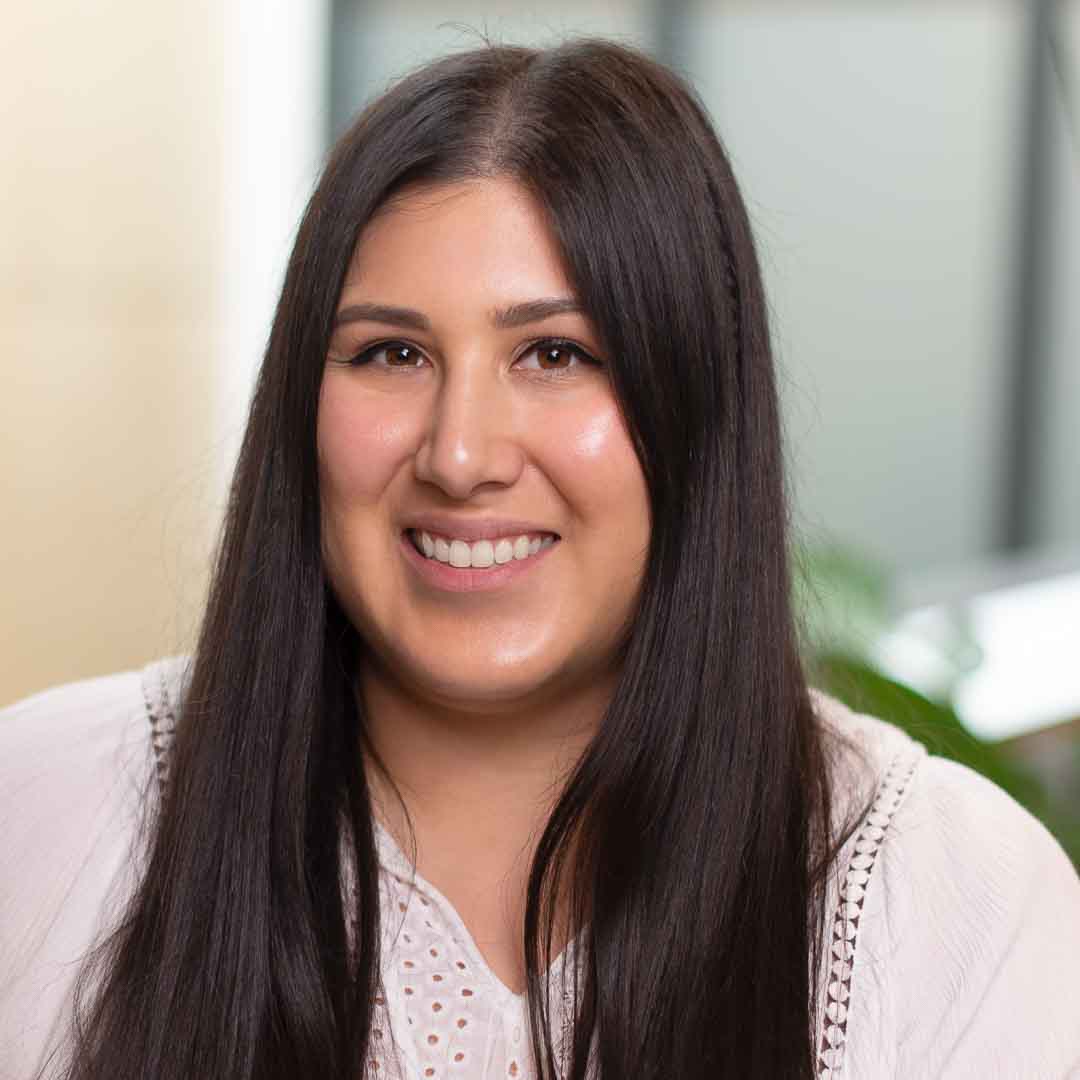
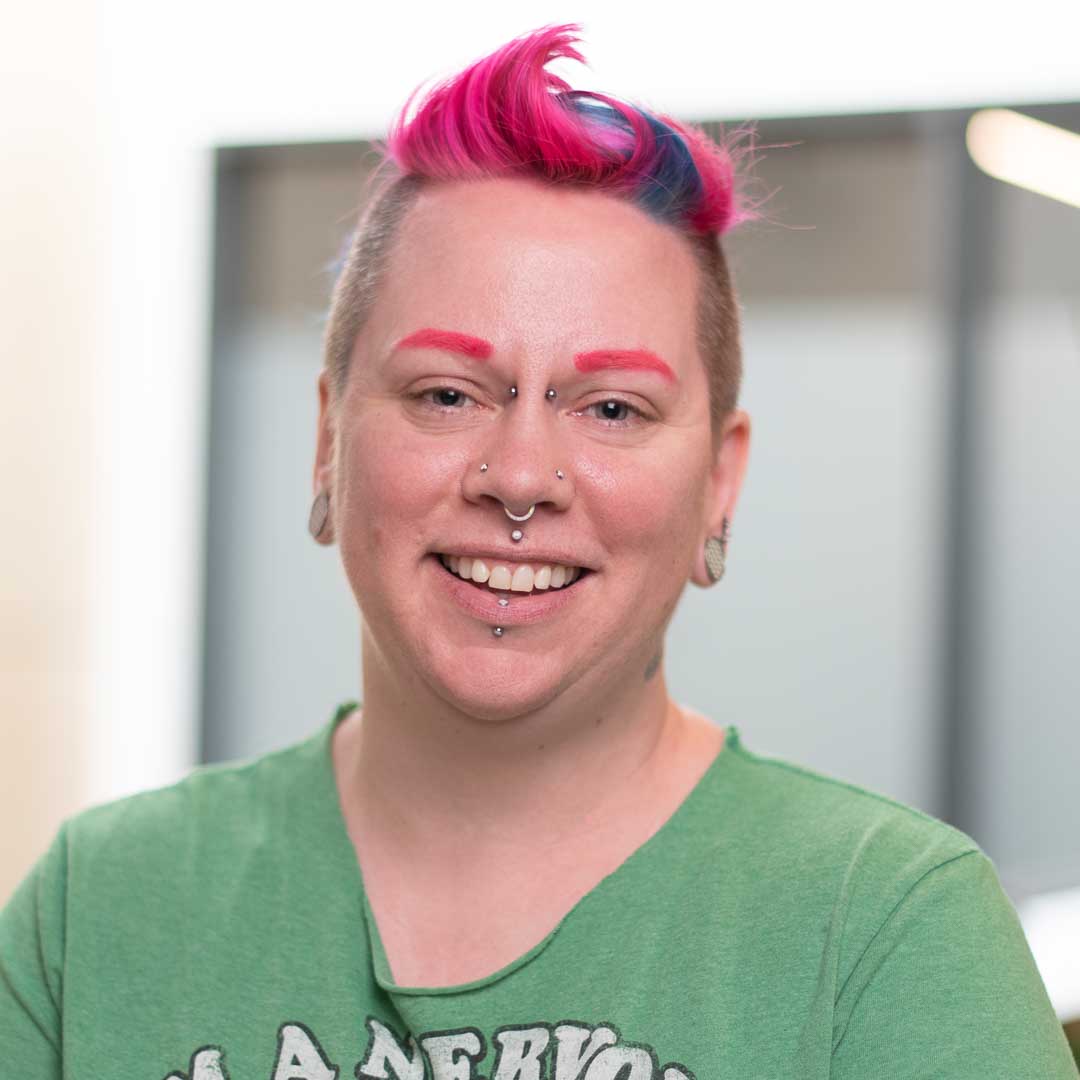
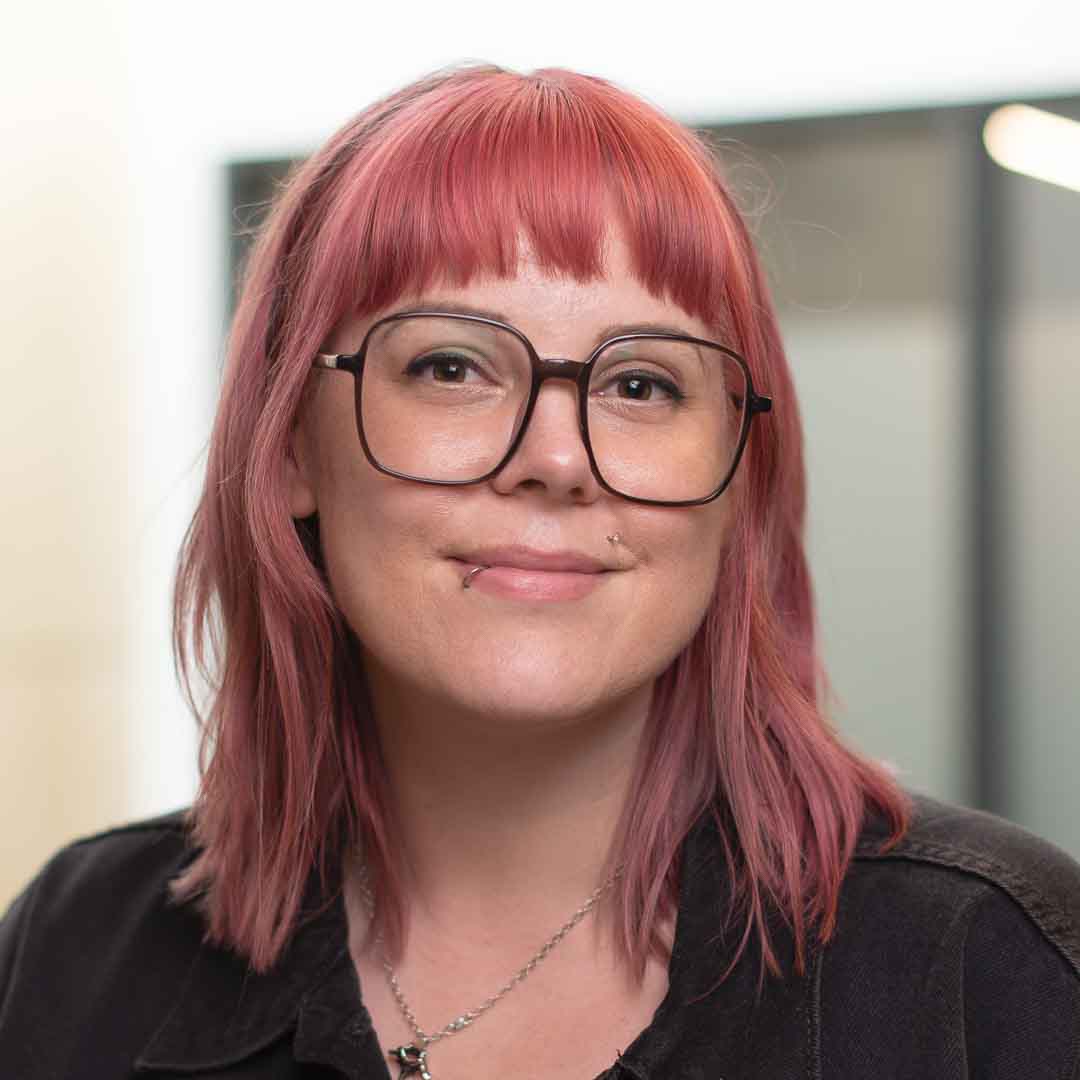
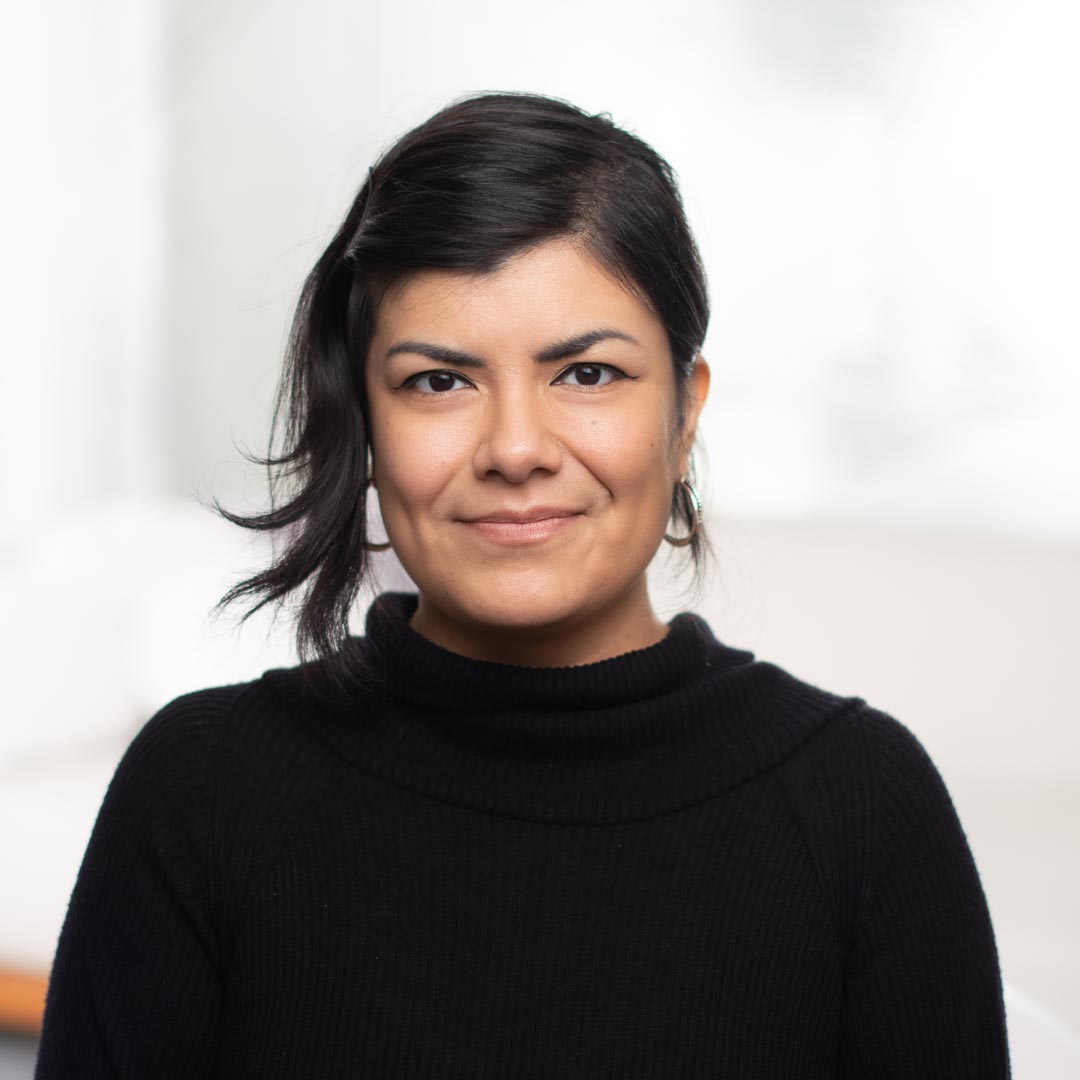
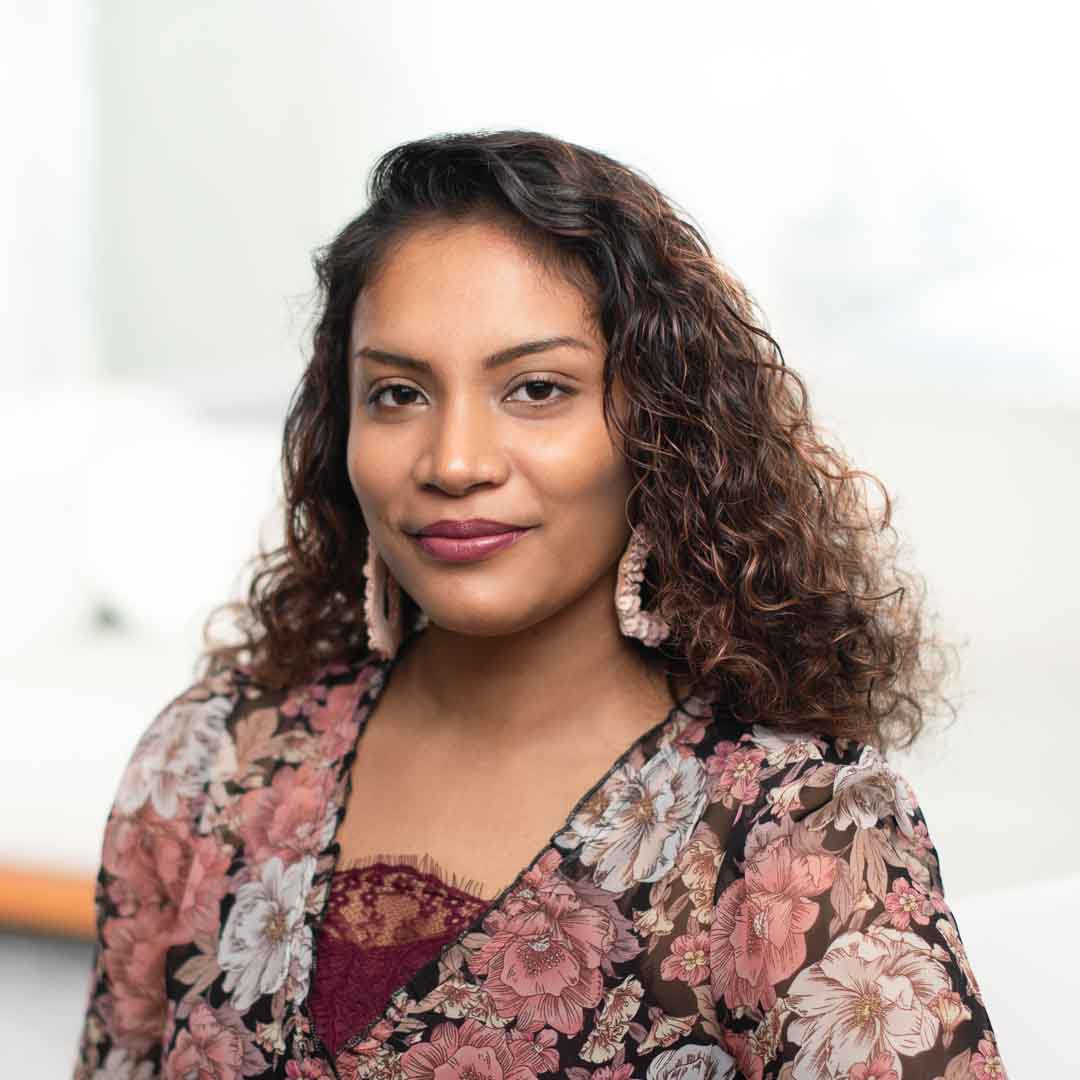
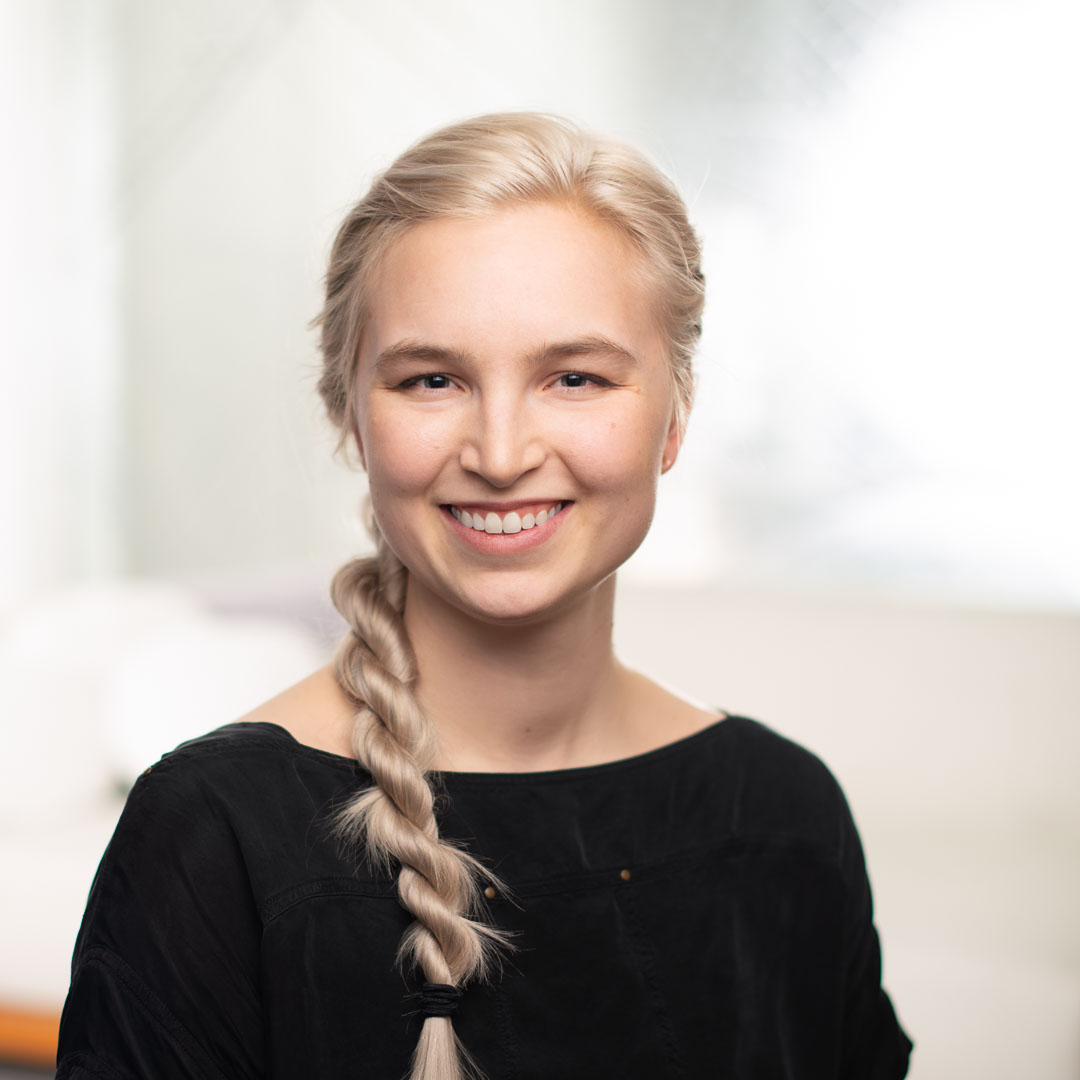
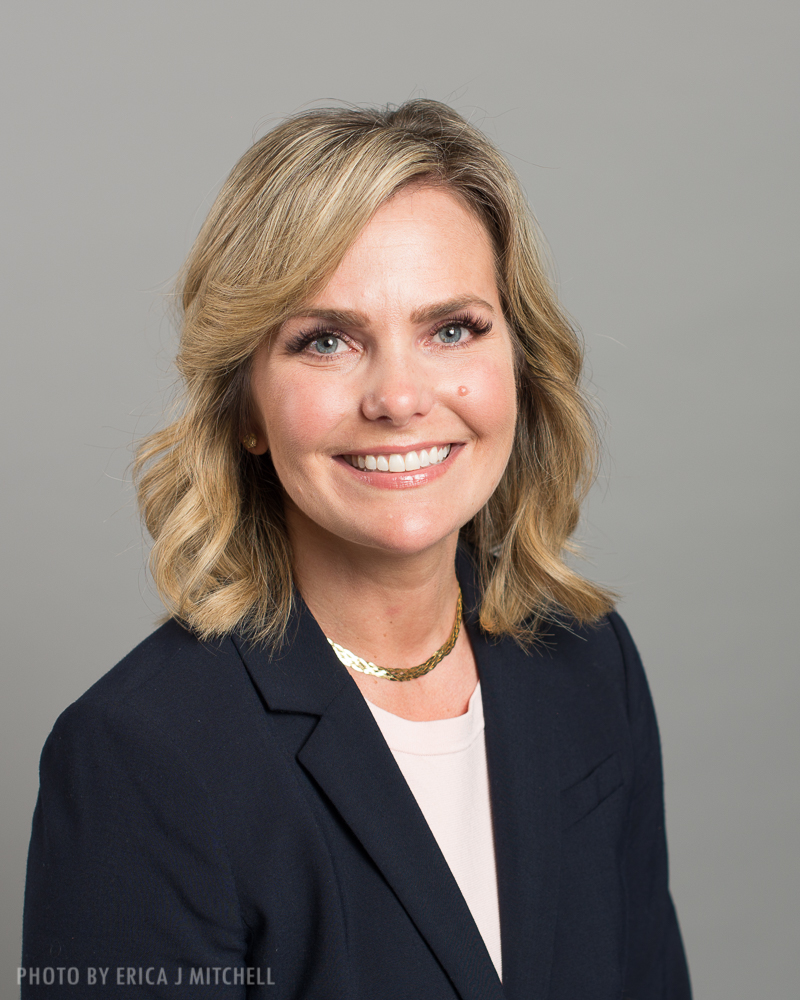
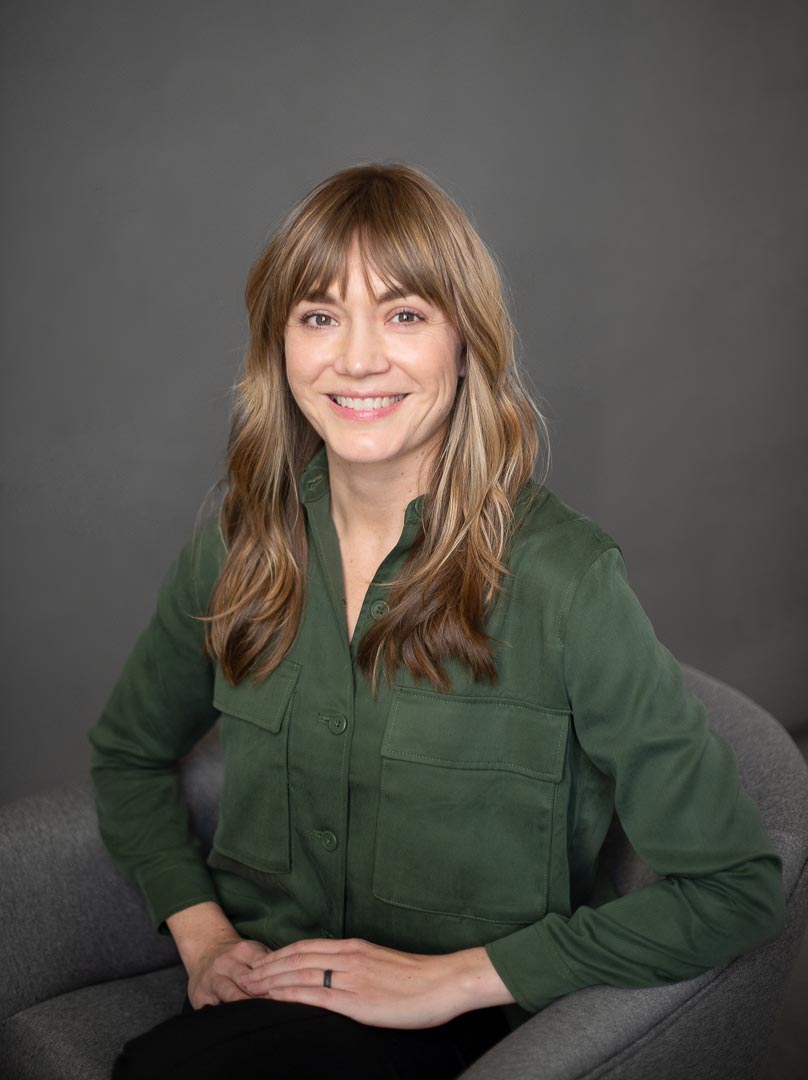
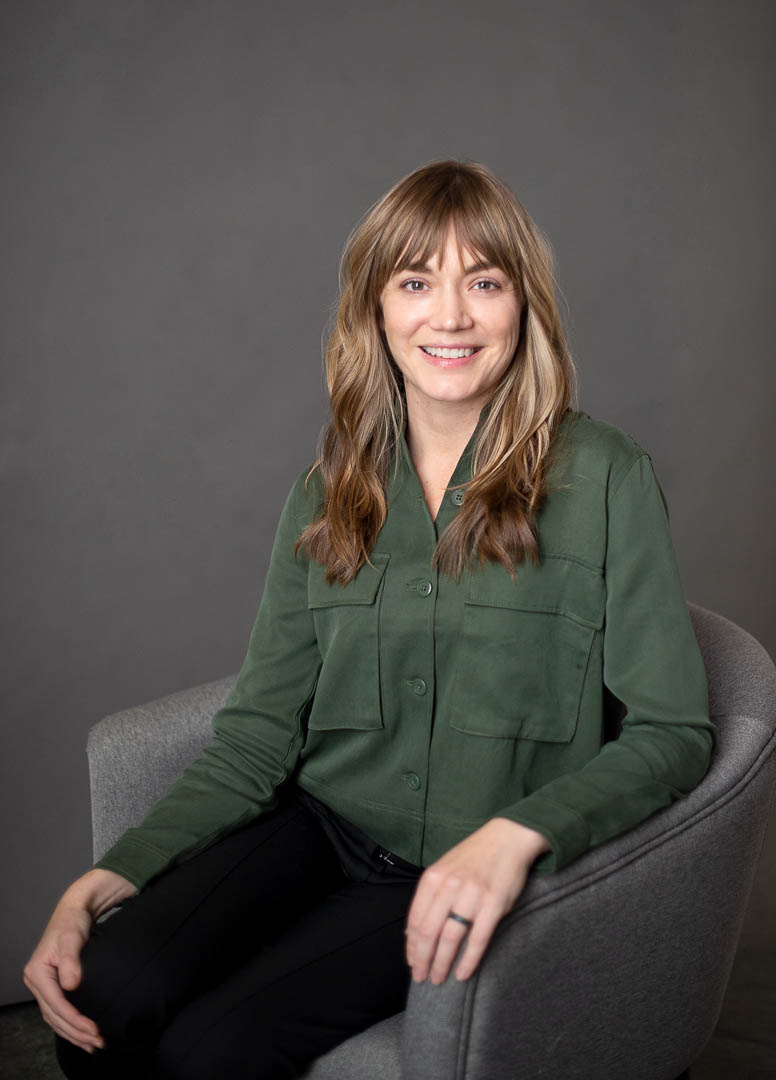
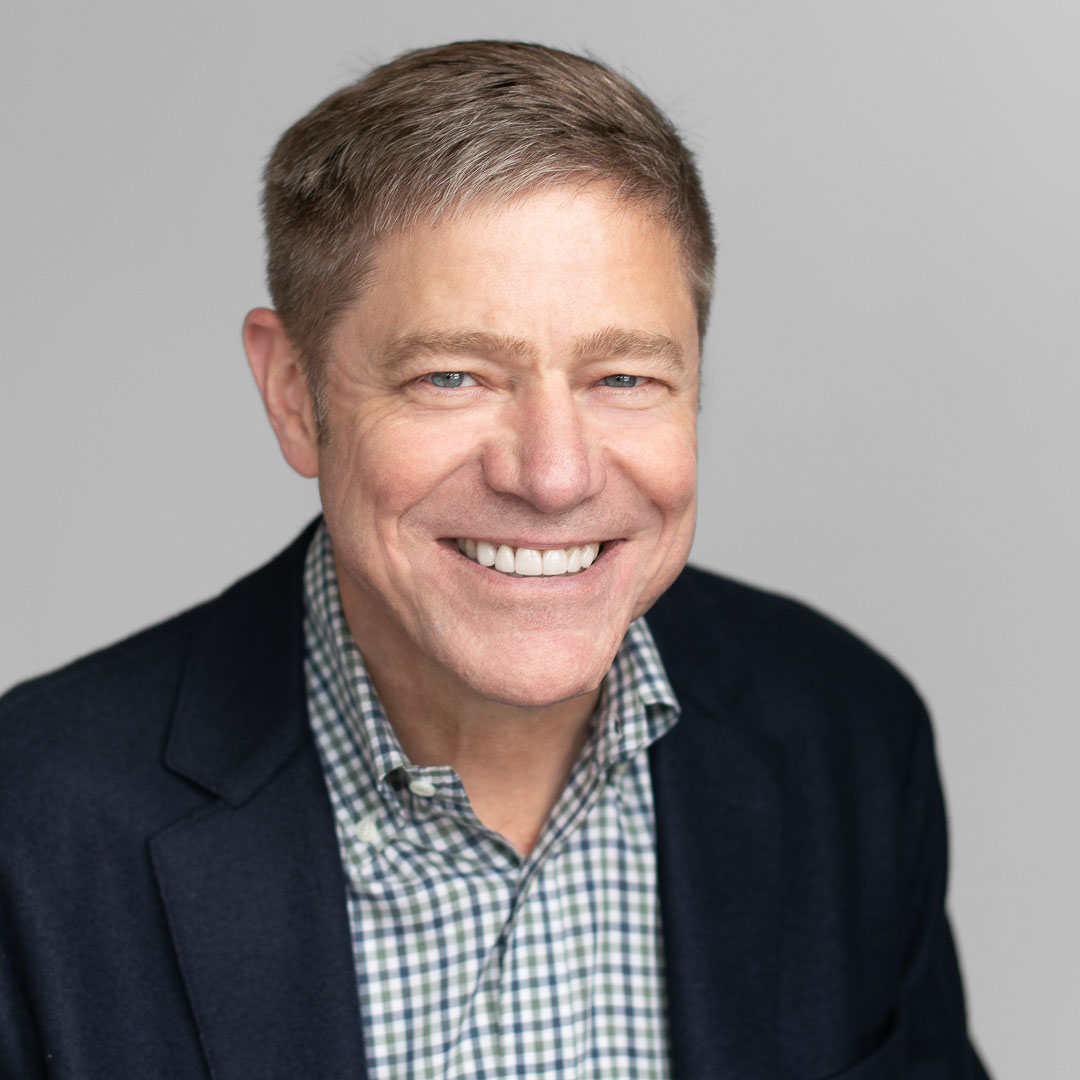
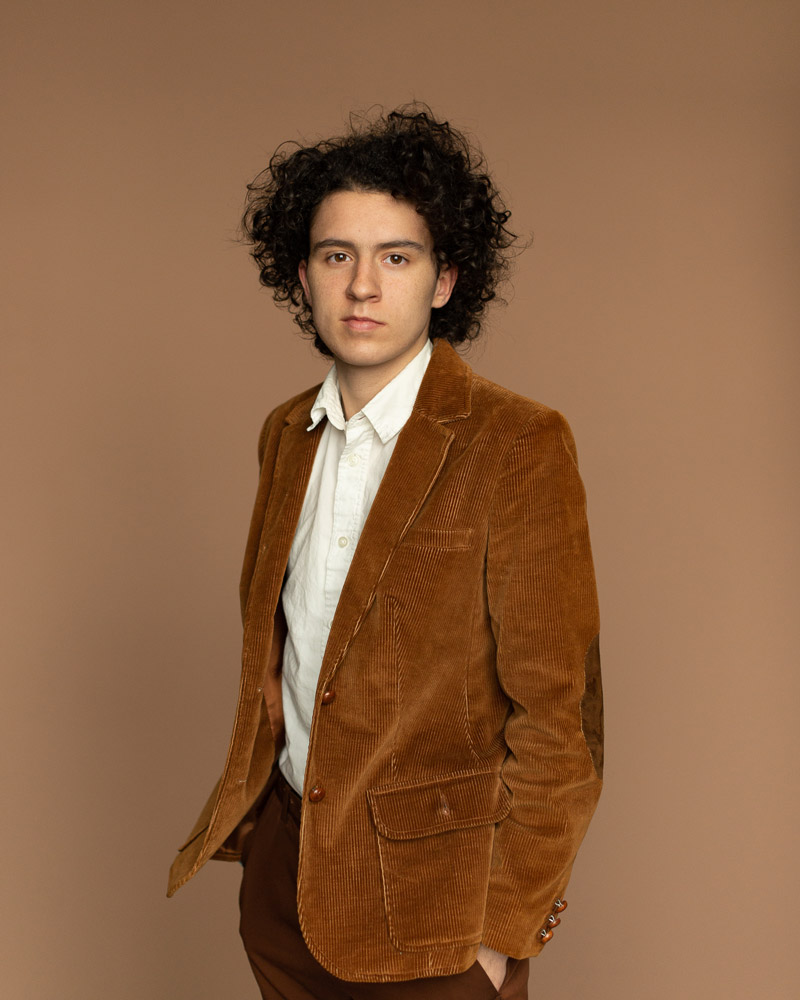
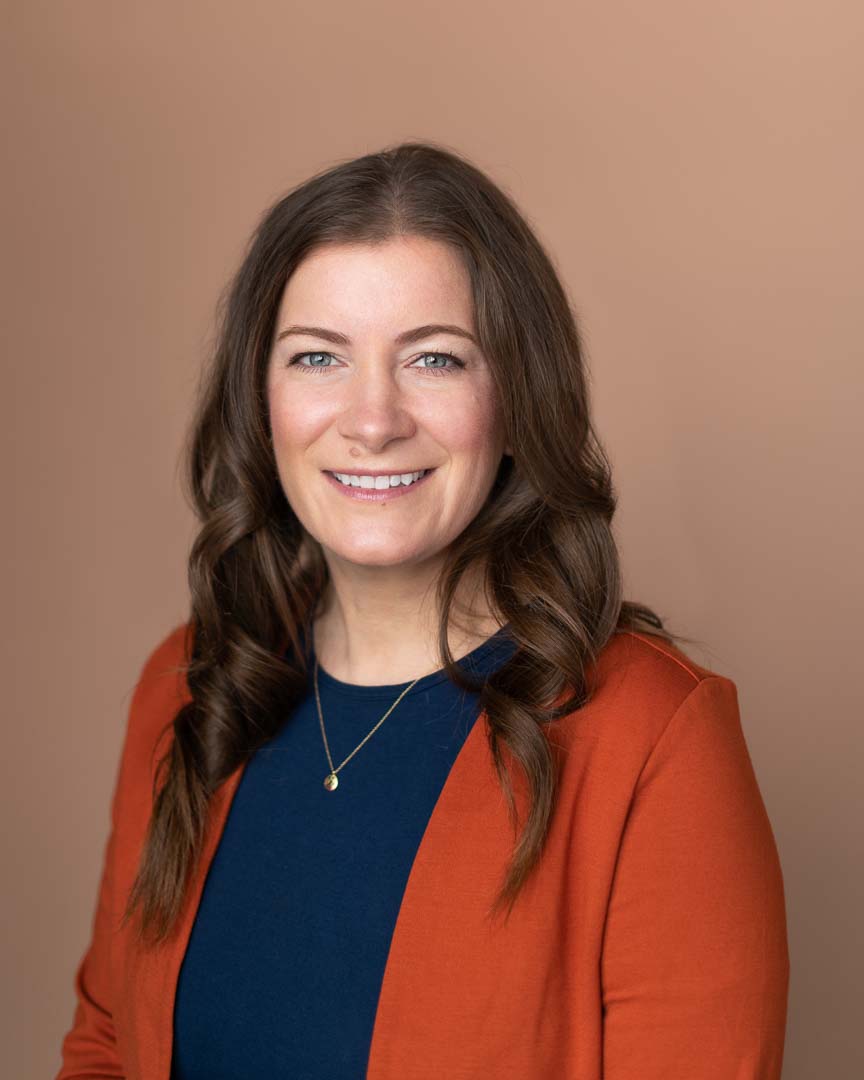
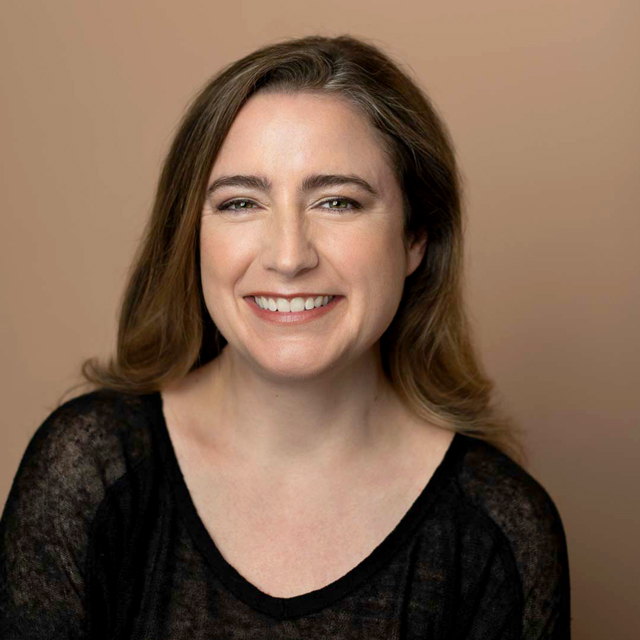
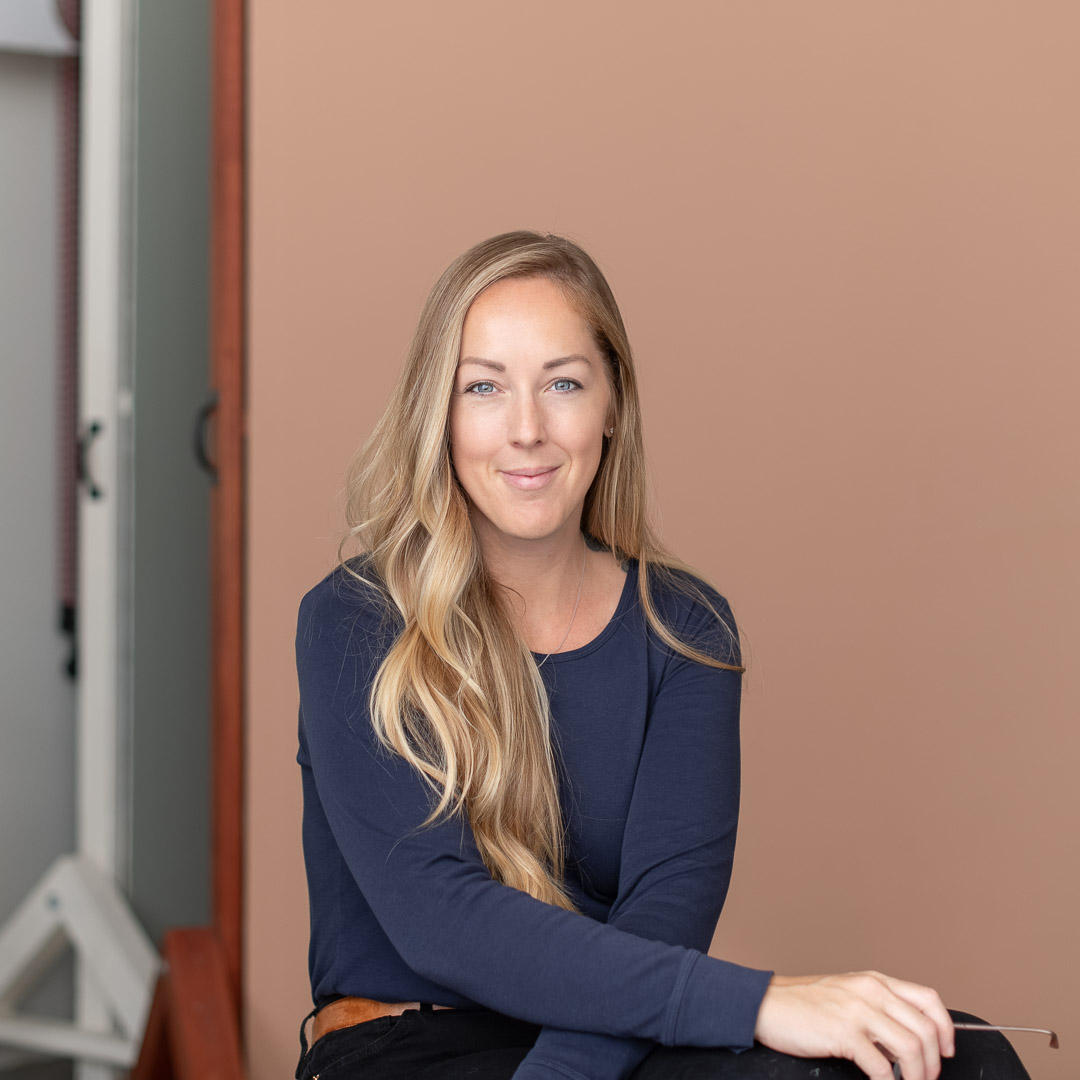
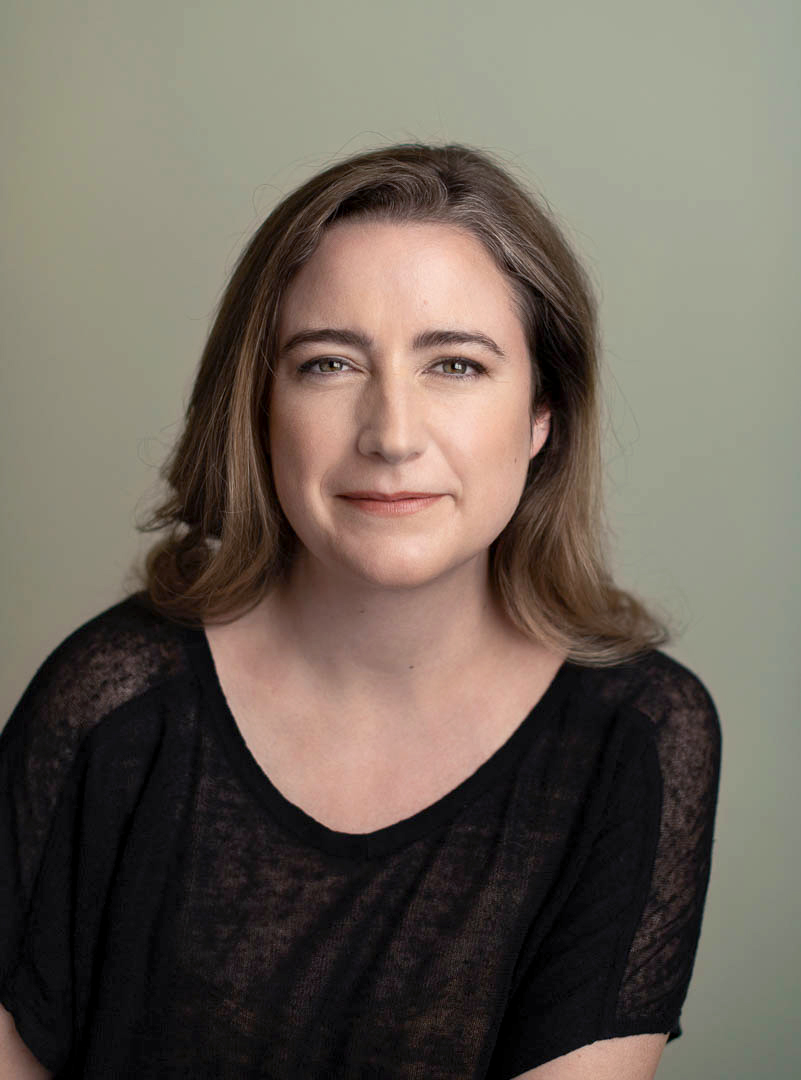
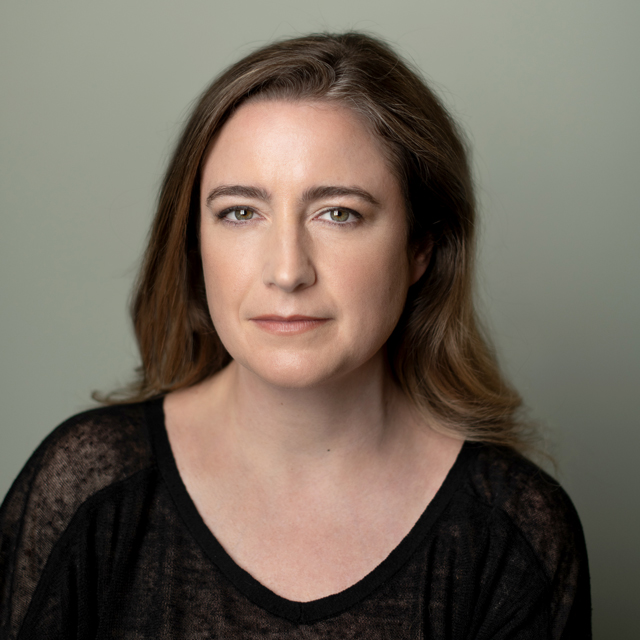
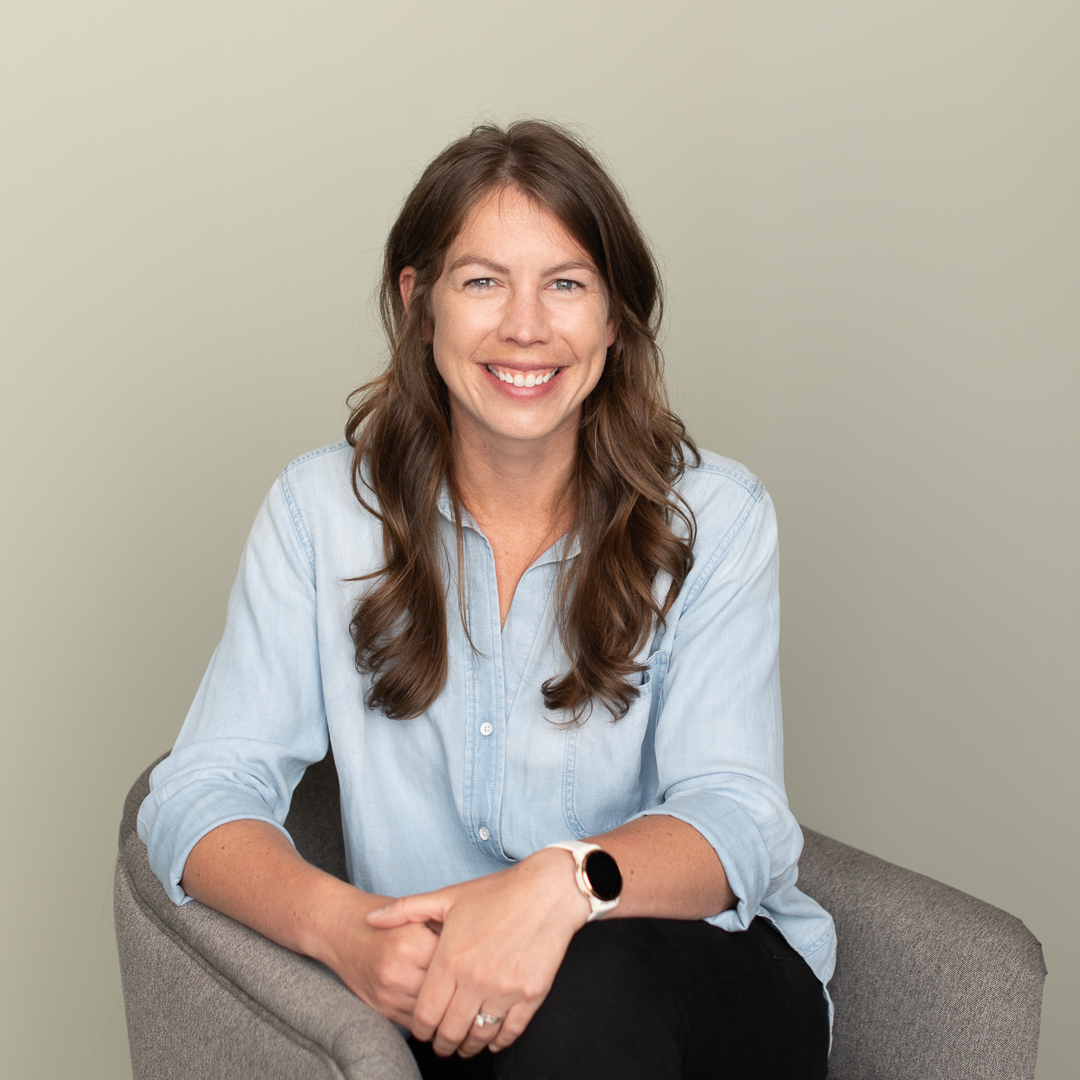
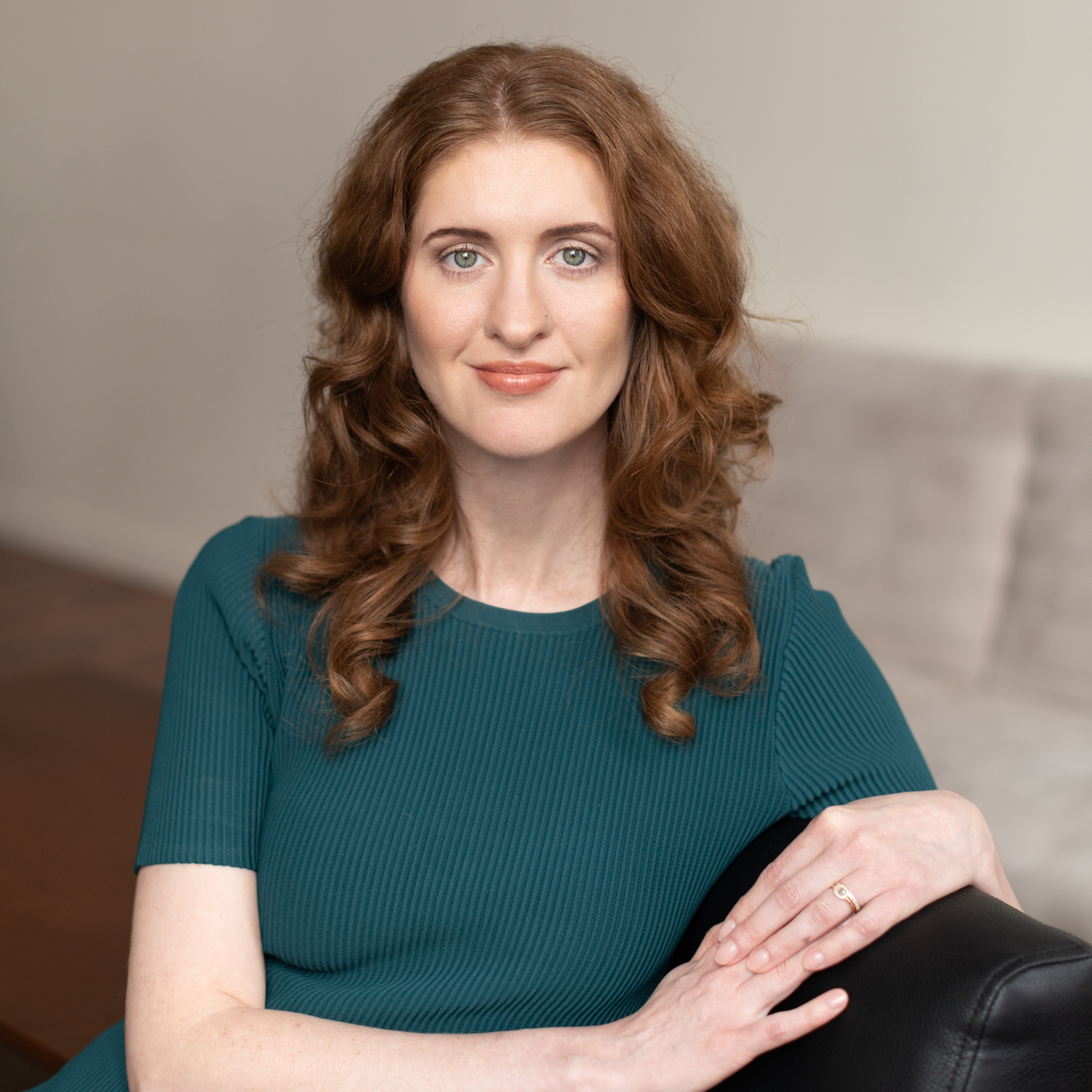
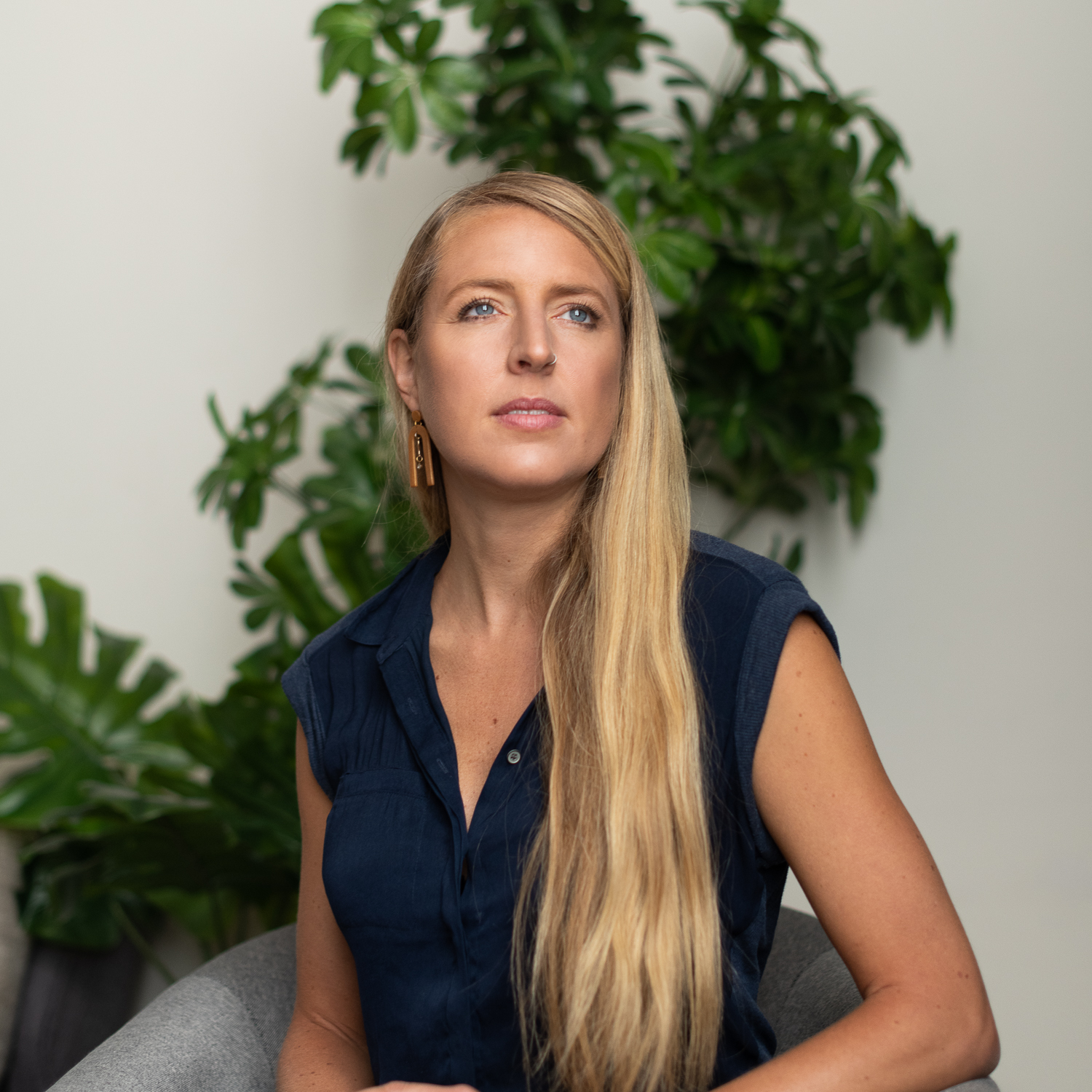
Some of our clients requested a new background to give an environmental feel, view our client examples below!

Visit our Retouching for Headshots to explore more about how we retouch our images.

What is image retouching?

The retouching process designed to polish the image by removing blemishes, under-eye circles, stray hairs, yellow teeth, etc., or even remove or change the background of an image. ​

Image retouching is a post-production service applied to all headshot selections made from the client’s proof gallery and applied to all headshot selections. 

For more editing examples visit our Reoutching Headshot Guide.

Client Examples

Le’ts look at some before and afters of our some of our client’s edited in background headshots.

Below are four client exmaples (with a look at our lighting setups) of how we changed the background to match the brand colors, to match exisiting headshots for the company or to update company headshots with a new look.

Each request is unique and allows for pure customization for the brand, invidual or company.

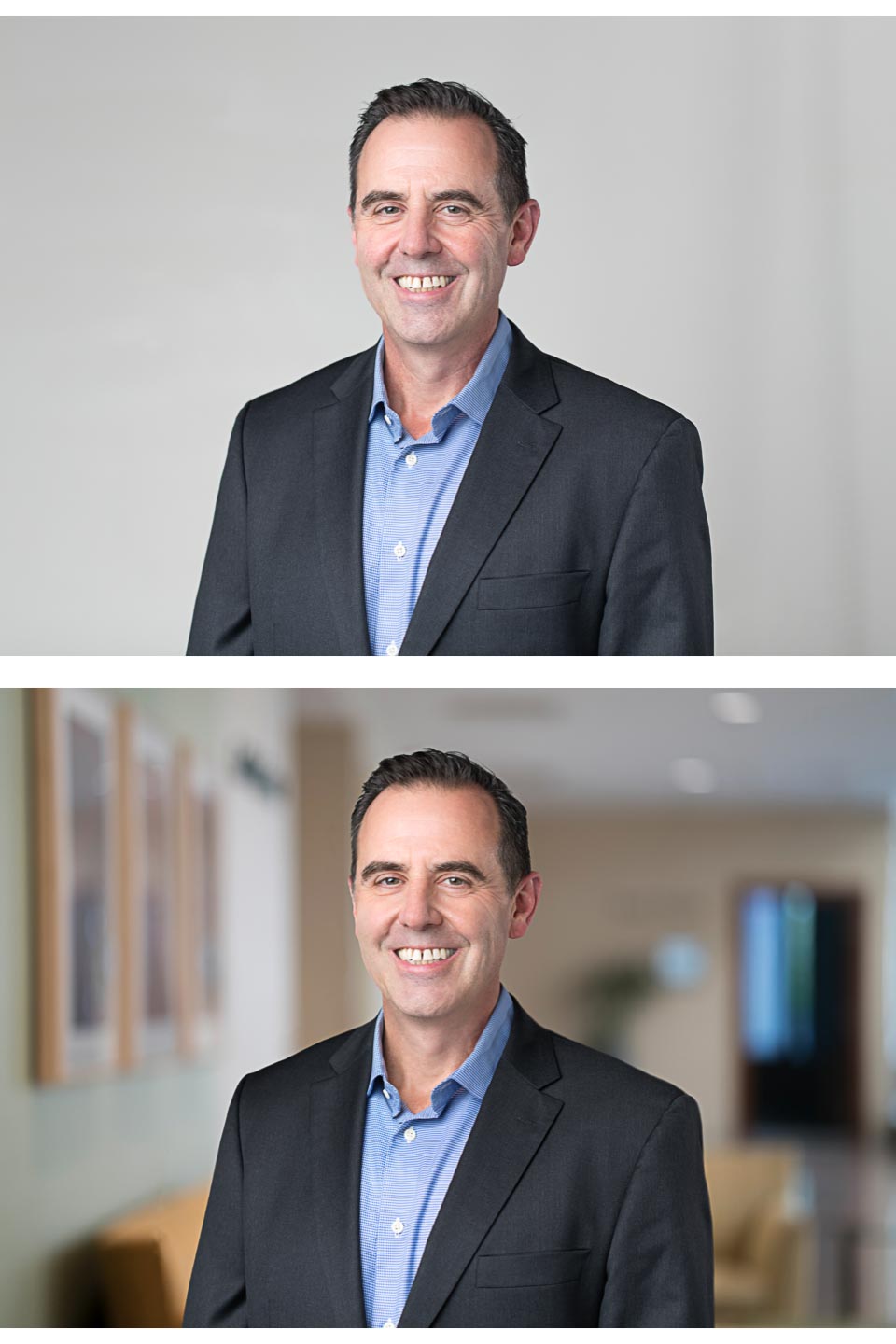
1. Adding a background to match exsisting company headshots

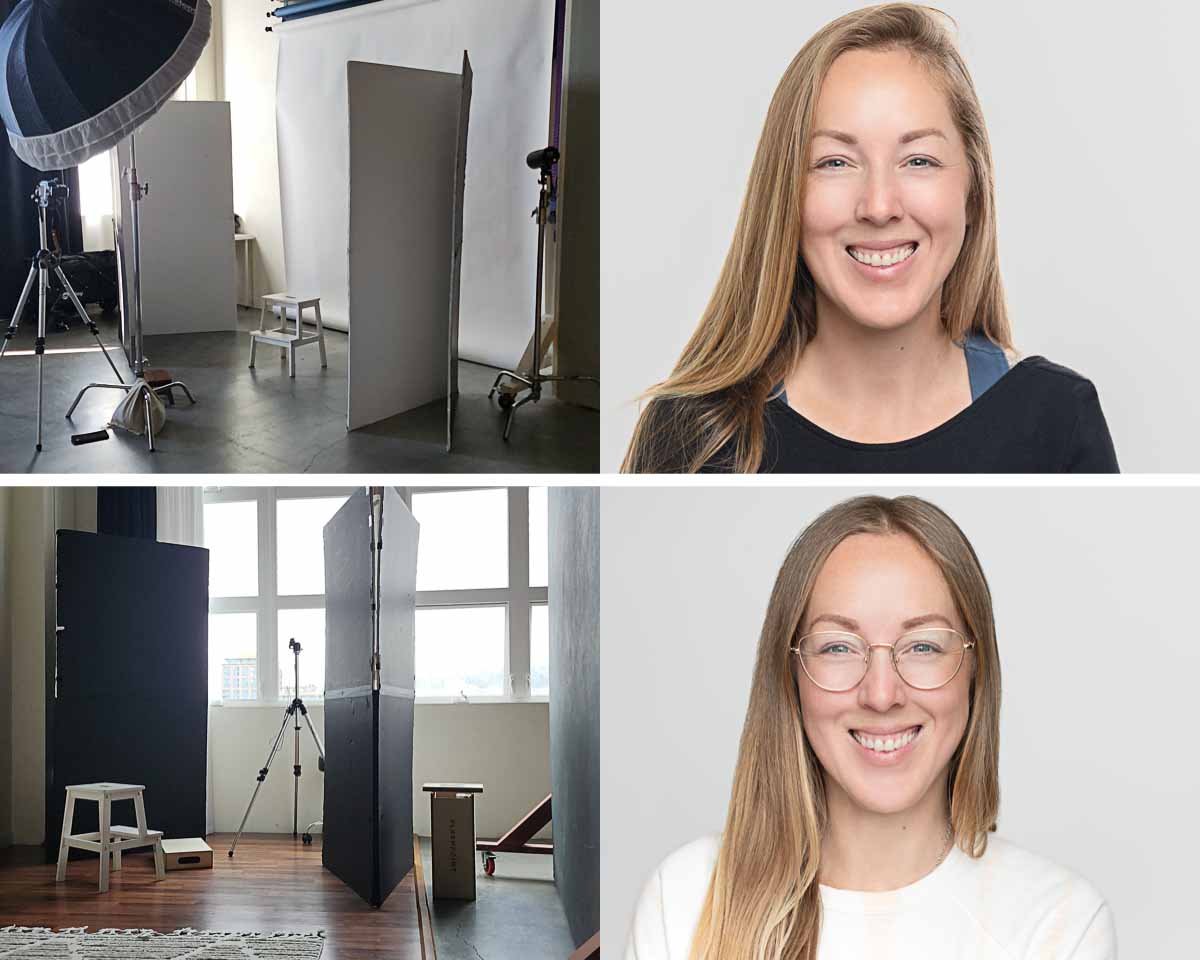
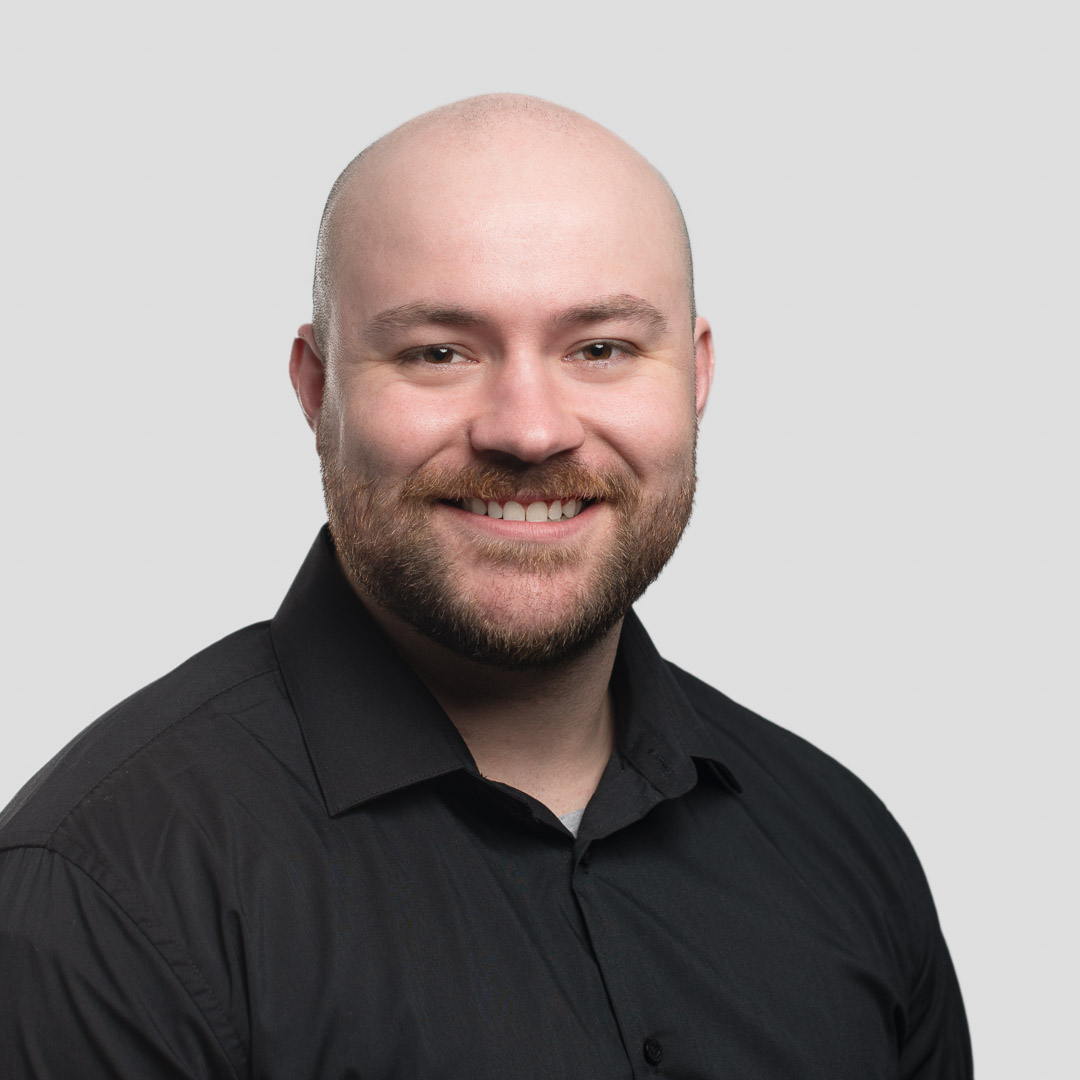
Here is an example of our client’s headshot that was made at our studio with a retouched office background in post production. The first images is of our studio wall and the one below is a background image provided by the client.
2. Changing the background to an outdoor environment
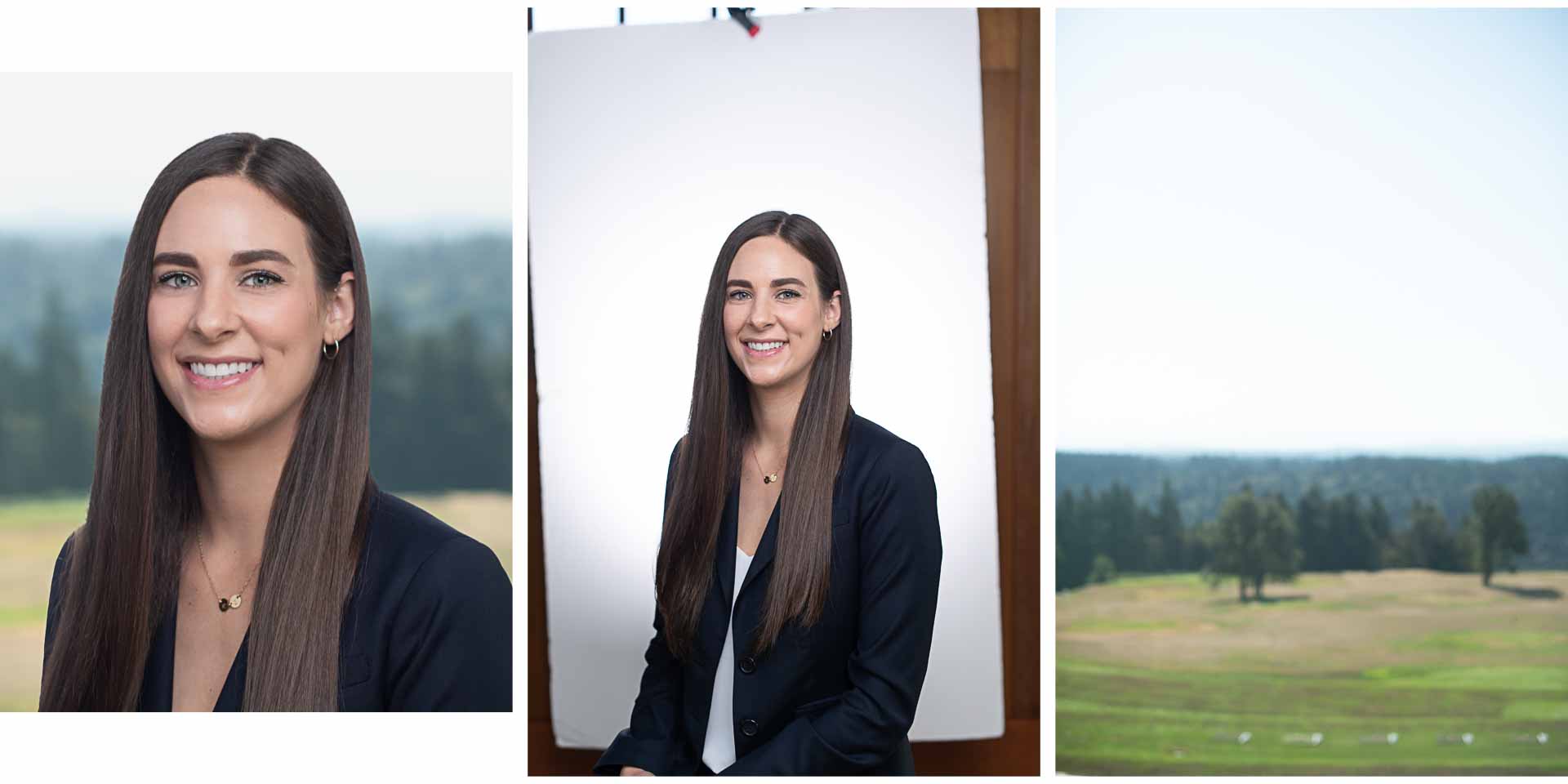
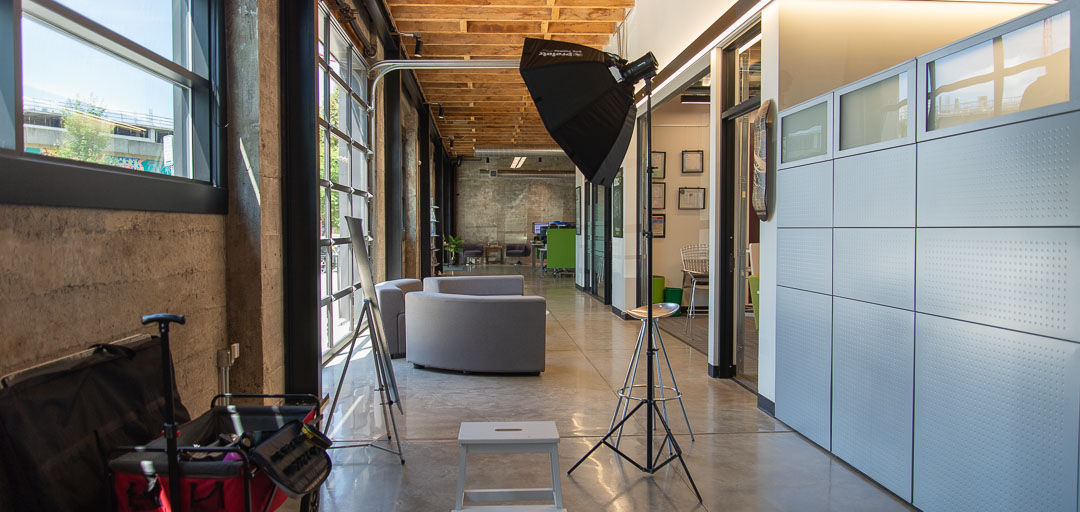
For our client Liveops, we photographed the new company team headshots on-site in Lake Oswego, Oregon with a white background and then took an environmental shot and edited it in the headshots in post production. View our behind the scenes look at our lighting set up for shooting and view our Blog Post for their headhsots and group photo. View our Blog Post for their headshots and group photo.

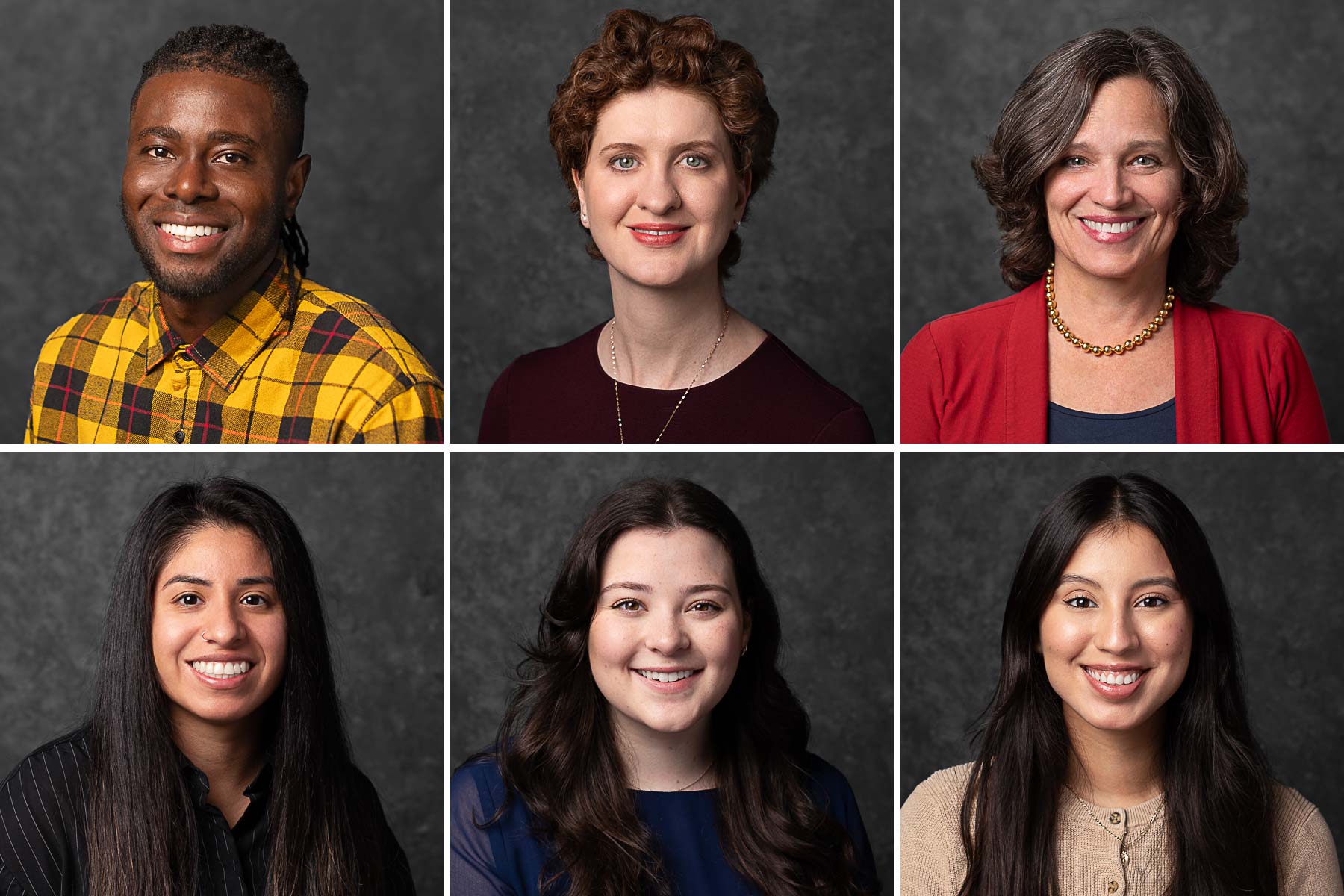
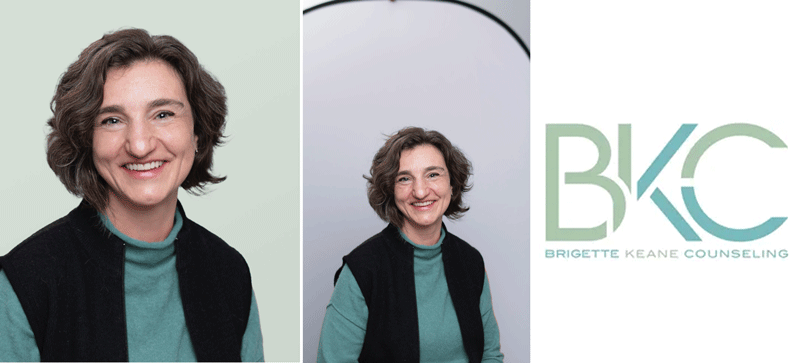
3. Changing the background to match the brand colors

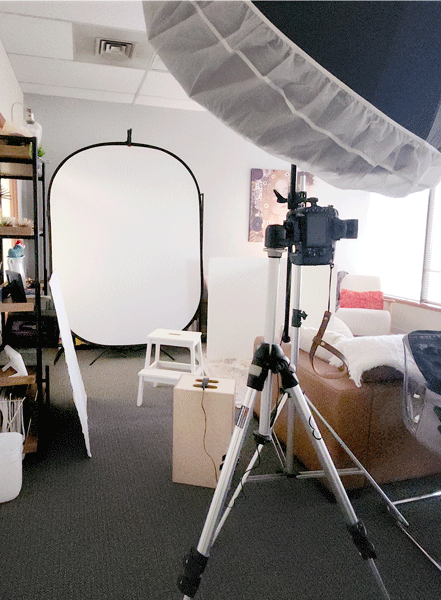
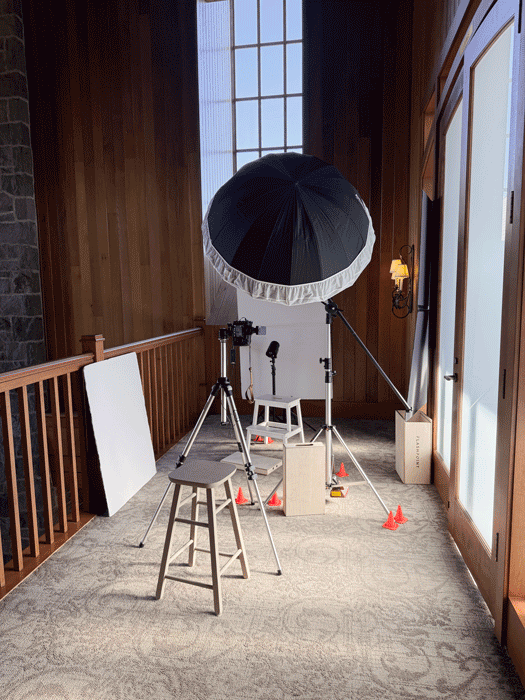
Behind the scenes look at our lighting set up for shooting Brigette Keane Counseling (BKC) headshots on-site at their office in Beaverton, Oregon. View our Blog Post for their headshots and group photo.

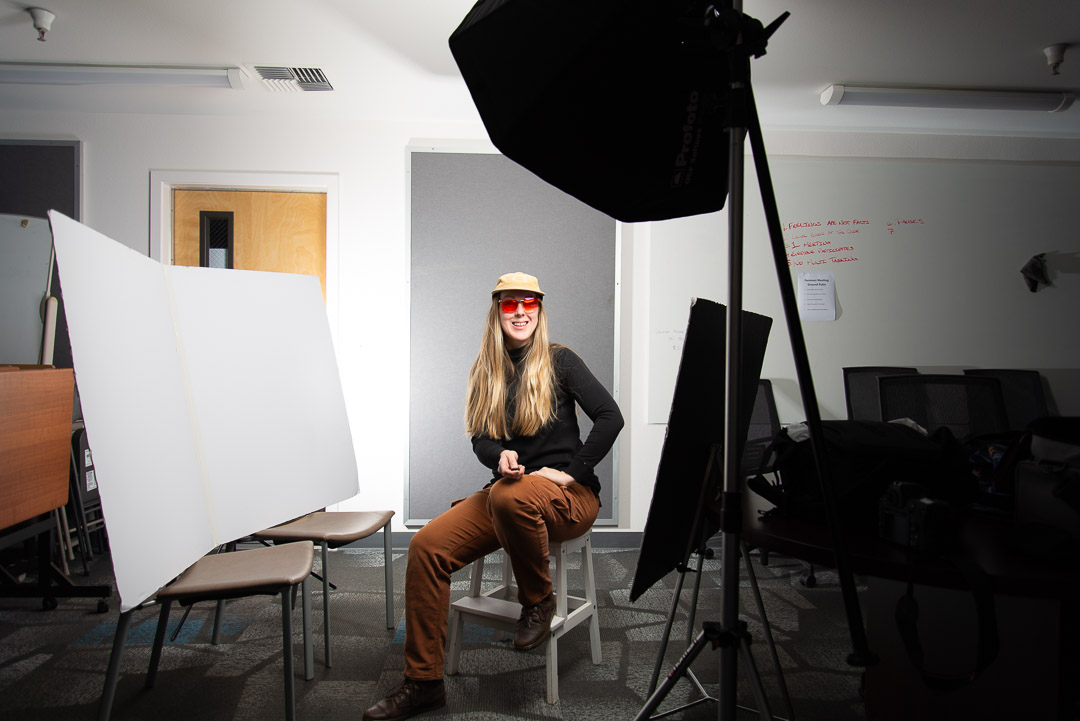
For our lighting we used a single strobe flash setup with a 5ft umbrella modifier and a white background behind the subject. We used a single white V-flat to fill light and flag modifier card to block any artifical light coming in from the side, our posing stool and apple boxes.

We used the client’s brand colors to add in a solid background for their new website.
4. Changing the background to an office environment

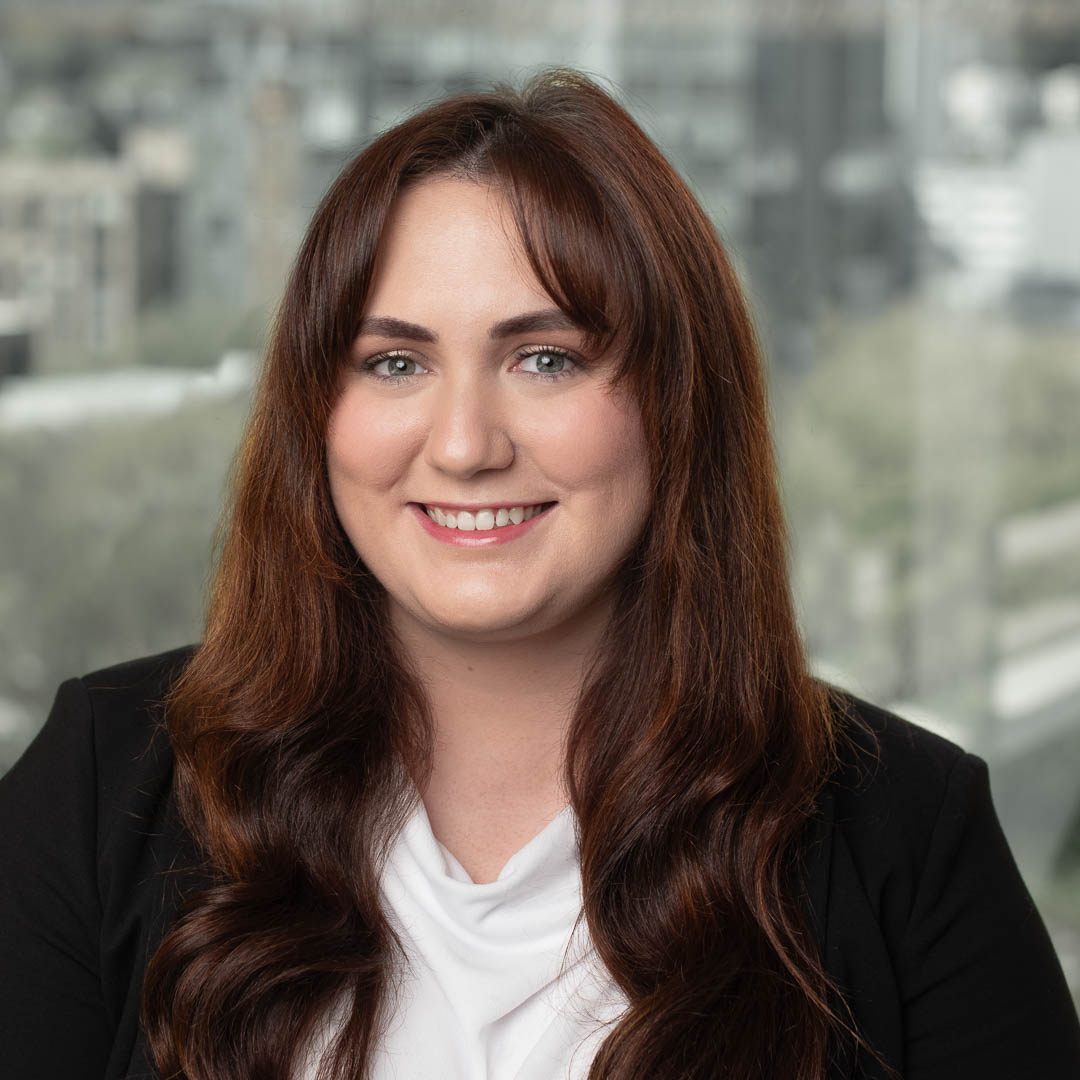
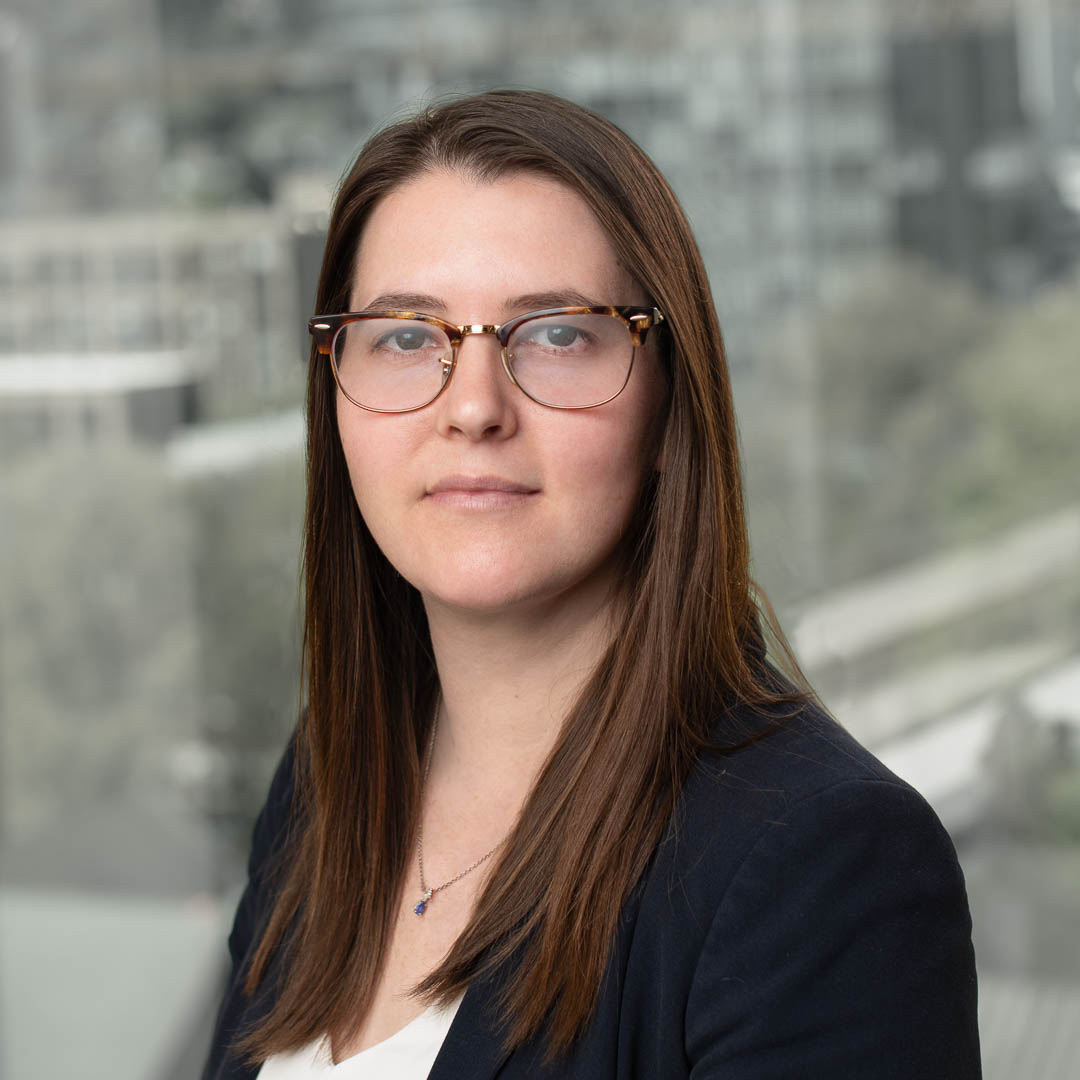
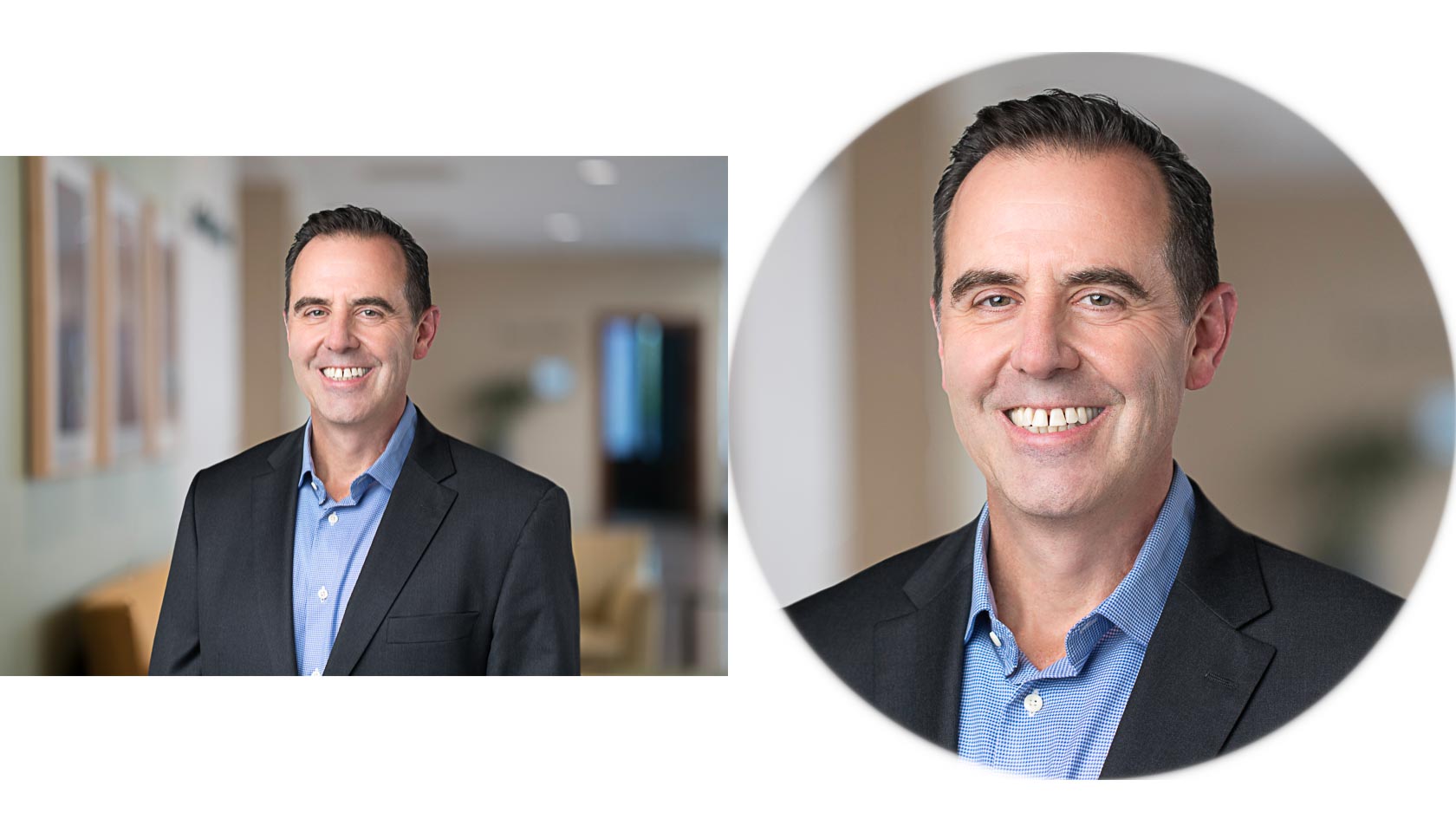
Our client at Insight Health wanted headshots made in the studio with a different background retouched in for the final images. View our Blog Post to see their headshots.

We used the strobe flash headshot photography style setup to create these headshots at our studio and retouched a new environmental background to give a new look and feel.

Visit our Retouching for Headshots to explore more about how we retouch our images.

Crop, Image Size and Resolution

Here are several examples of multiple crop options for each selection made from the proof gallery.

Most images are in an 8×10 vertical and square crop. A horizontal crop is usually by request.

Three file sizes included in delivery

  1. Print 12 inch long, 300dpi 5 MB
  2. Large Web 2,000 pixels long, 72 dpi 1.5 MB
  3. Website Sized 1,080 pixels long, 72 dpi 100 KB

View our Headshot Booking Guide for more about delivery details.
What are the best tips for choosing a headshot background?

Discover the best backgrounds that will make you stand out in this guide, Best Backgrounds for Professional Headshots.

Studio Headshot

Don’t just take our word for it.
Read what our clients have to say about working with us.

“Erica is very professional and made me feel at ease during the shoot, which resulted in great photos. She had great suggestions along the way and took the time to get things right, encouraged me to change outfits – which made a huge difference – and was proactive with angles / coaching me on which way to move to get the best result. Highly recommend!”

Brittney H.

Creative Director, AUthor, Thunder Egg Collaborative

“I was in need of a headshot refresh as the 10 year old iPhone picture just was no longer cutting it. I found Erica Mitchell and am happy to say I would recommend her to anyone in search of professional headshot photography. Her wealth knowledge and the talent she possesses in immeasurable. She has a beautiful studio conveniently located that provided an abundance of natural light making the process all the better. I am actively referring her to anyone looking for this style of service.”

John B.

“Erica is an incredible photographer! I recently booked her for headshots needed for my career. I have never been a fan of having my picture taken, it has always felt uncomfortable and awkward. However, Erica was a wonderful coach, her energy made the entire process so easy and actually enjoyable. Not only do I love my final photos, but I have already received many compliments on them. You won’t regret booking with Erica.”
Maeve A.

Medical Student

Have questions about scheduling a headshot session? Visit our Booking FAQ for more information or contact us.

We specialize in natural light headshot photography. Learn more by visiting our Natural Light Headshots Gallery.

Interested in Working Together?

Top 3 Digital File Sizes for Photos (2025 Edition)

In this post:

What is the difference between the three categories of headshots (Large Web, Web-sized, and Print)?

  • The Large Web can be used for places that once uploaded to their site they resize it like Facebook, Linkedin, Instagram etc.
  • The Website Sized file is used for websites or sending by email where you need a fixed size. This size is the smallest in file size and easy for website loading and not taking up storage on emails.
  • The Print file is used for business cards, banners, posters, booklets, brochures etc.

Learn more in our post below!

File formats for your headshot delivery.

In our final delivery of your headshot image you’ll receive Large Web, Website Sized and Print file formats.

Choosing the right file size of your digital photos can make all the difference when it comes to for example printing business cards or something as paramount as your website SEO.

Learn why it is important to know your digital file format sizes.

Studio Headshot for Erica

Welcome to the world of digital photo files.
Read about our three file formats we send in our clients final delivery.

Digital files sizes

A lot has changed since we went from traditional film photography using sensitive light paper to make our photographic prints which could take hours to days depending on the way the photograph was developed.

We are lucky enough to have the speed and convenience of digital photography. We can make photographs, see them instantly and print them faster than ever before. The technology of computers allowed us to create images now using digital artifacts called pixels.

These pixels determine the files sizes and uses.

Dr. Sara Pugh
Headshots for Therapists

What are the digital file sizes I need and how do I use them? 

Let’s explore the most commonly used files sizes and the ones we send to our clients. These file sizes allow for the right file to be used in the right place.

The three file sizes we send are Large Web, Print and Website Sized.

For easy use in social media, print and website use, the three file formats for headshots.
Large Web, Website Sized and Print.

1. Large Web

What is a Large Web file size?
Large Web files are the second smallest file formats of the three most commonly used by professionals. It is too big to use in emails and too small to use for printing.

When would I need to use Large Web file sizes?
Large Web files sizes are great for uploading to your social media platforms that once uploaded resize them such as Linkedin, Facebook, Instagram etc. For sending my email or your wesbite use the Website Size file format. Too large of file sizes can bog down your visitors load time and steer Google away from reading your website redusing your SEO.

Why do I need a Large Web file size?
Having specific file sizes for quick and easy use will help you successfully upload your content with confidence. Large Web will be one of the most used file sizes you will work with and rely on for your visibility in media channels.

2. Website Size

What is a Website Size file size?
Website Size files are the smallest file size of the three file formats in terms of how much space they need. They take a the least amount of energy and space on web website platforms and create virtually no lag time as an email attachment. This file size is great for websites for SEO.

When would I need to use Website Size file sizes?
Having multiple file formats can be really helpful especially if you are hiring a social media promotional agency, graphic designers or website designers to manage your presentation. Website sized photo files are best used on your website to create a fast website upload for your viewers on all devices. Using appropriate sized photo files will also improve your SEO. The Website Sized file format is also great for sending by email as it is a fixed size that doesn’t take up a lot of storage.

Why do I need a Website Size file size?
The Website Size file allows you or your digital media team to easily use the image file for social media, website updates, blog posts, newletters and more.

3. Print

What is a Print file size?
Print files are considered larger file sizes due to how many pixels per inch it contains. Pixels per inch, known commonly as PPI or dots per inch (DPI), measures the resolution of digital display and Print file sizes rely on as many pixels per inch to have the best printing quality. Do not use Large Web or Website Sized for printing, they will result in low quality printing and will look fuzzy or looked pixelated. Printing a Large Web file for example can have that blurred look because it does not have the amount of pixels needed for a high quality print image.

When would I need to use Print file sizes?
The best time to use Print file sizes is when you are making printed materials such as business cards, posters, brochures, booklets, books or postcards.

Why do I need a Print file size?
You may never need to print your headshot or branding material but in case you do, having the Print file size is great. You can easily upload the correct formatted file and know that your printed material will be high quality.

Do you offer other file formats?

Yes! We can create a custom file size to provide to your graphic designer or website size designer. Or for example, if you are a medical student, we include an ERAS application specific file size in your delivery with the Large Web, Print and Website Sized file formats.

Learn more about ERAS application file formats here.

File Formats

Contact us if you have any questions about file formats or sizing of your photographs. We’d be happy to provide more information about how to use your digital photos! For other questions visit our FAQ.

Interested in Working Together?

Tips For A ERAS® Medical Residency Headshot Photo (2025)

Headshot Shadow

What are Residency Student Headshots?

Residency Headshots are professional profile photos used in applications for medical students and graduates. For the application process there are specific requirements that an applicant must follow for submitting a profile photo know as ERAS®.

“ERAS® has specific requirements for uploading an application photo. Ensure you understand these requirements in advance and let your photographer know exactly what you need.” Source AAMC

Who uses the ERAS® photo requiremnts?

“After medical school students will need to apply and match to a residency program in which they learn their chosen medical specialty such as Family Medicine, Pediatrics, OB/GYN, General Surgery, Pediatrics, and more. There are 154 specialties and subspecialties!” UT Health

“The Photo is most often used by programs to help identify applicants when reporting for an interview. Applicants must upload their own Photo in the MyERAS portal by selecting Upload New Photo in the Actions column.” says AAMC on their Documents for ERAS® Residency Applications page.

What are the ERAS® Medical Residency application photo requirements?

ERAS® photo file should not exceed these requirements:

  • Dimensions: 2.5 in. x 3.5 in.
  • Resolution: 150dpi
  • File Size: 150kb

Residency Student Headshot at our Studio

Our client booked our Basic Headshot Session at the Natural Light StudioThe Basuc Headshot Session includes the studio rental, a 20 minute photography session and 1 image selection from the proof gallery.
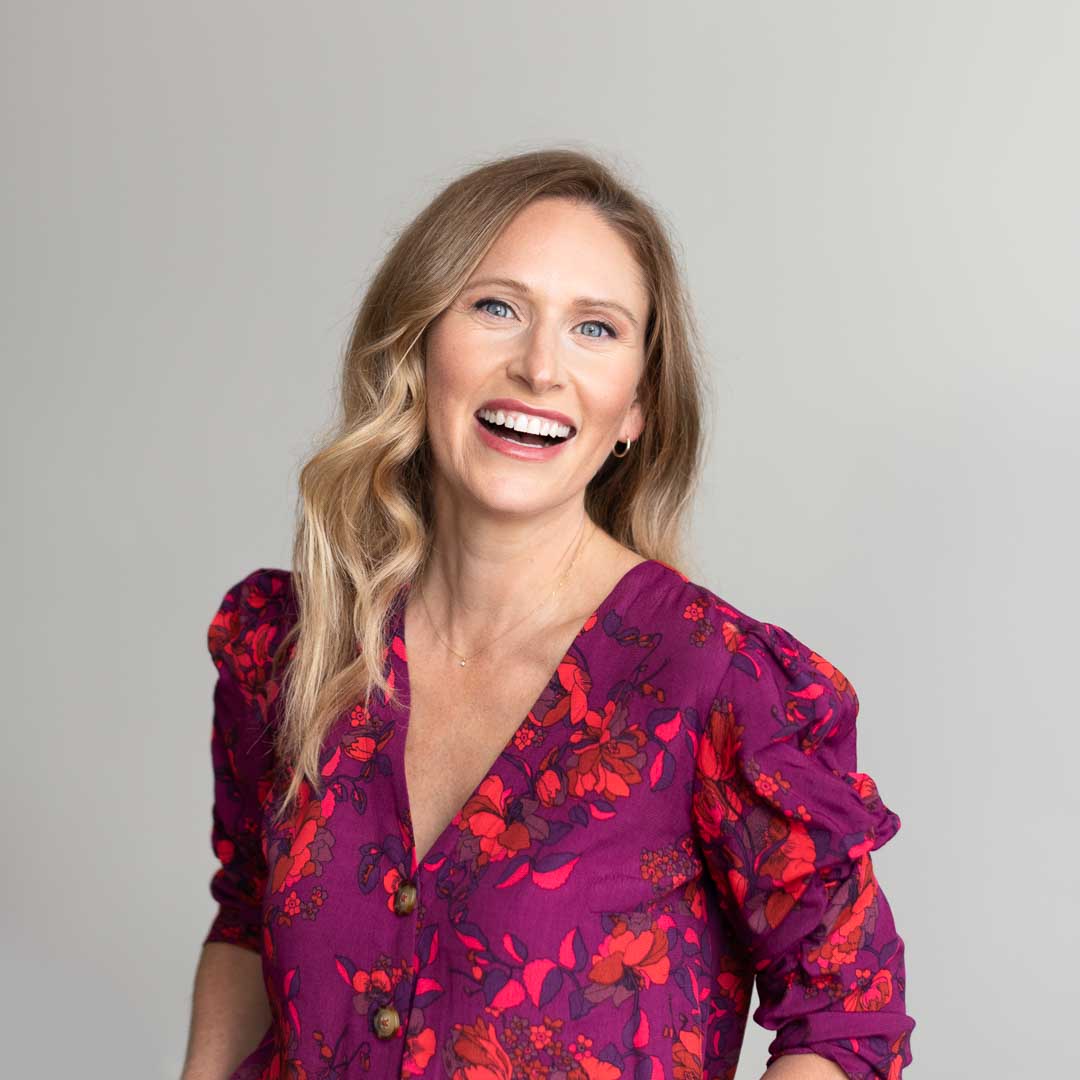
The studio provides ample daylight, rain or shine, to create one of a kind experience. There’s nothing more professional than a well lit headshot to attract potential recruiters, hiring staff, casting directors, fellowship program directors, or any other purpose for online promotion.

ERAS® Medical Residency application photo requirement headshot examples

An example of multiple crop options for each selection made from the proof gallery with the additional ERAS 5×7 crop.

Most images are in an 8×10 vertical and square crop. A horizontal crop is usually by request.

Three file sizes included in every delivery and the ERAS are

  1. Print 12 inch long, 300dpi 5 MB
  2. Large Web 2,000 pixels long, 180 dpi 1.5 MB
  3. Website Sized 1,080 pixels long, 180 dpi 100 KB
  4. ERAS 525×375 pixels long (5×7 or 2.5in by 3.5in), 150dpi, 150KB

View our Headshot Booking Guide for more about delivery details.

VIew our Doctor and Residency Headshot Gallery and Guide

Capture and relay the passion, personality, and professionalism of who you are. As a medical professional, your patients look to you for the highest level of professionalism, and this extends to all parts of your public life.

Connect with your patients or Residency Experts with high quality, authentic headshots.

View Medical Headshots Guide↗

How Much Do Doctor and Residency Student Headshots Cost?

Professional Doctor and Residency Student headshot pricing starts at $325, depending on factors like location and number of photos needed.

All packages include
  Session time
  Studio rental
  Number of high resolution fully edited photos delivered to you in an easy online gallery

Pricing is based on the amount of time used to photograph in a session, which determines how many images you will have to view and select from in the proof gallery. The amount of final retouched photos received in the package. You will receive final high-resolution retouched images in multiple crops and file formats for easy use.

To book a session, a 50% deposit is required. Payments can be made through Square, Paypal or check.

Visit Pricing and Book Now

Don’t just take our word for it.
Read what our clients have to say about working with us.

“Erica is an incredible photographer! I recently booked her for headshots needed for my career. I have never been a fan of having my picture taken, it has always felt uncomfortable and awkward. However, Erica was a wonderful coach, her energy made the entire process so easy and actually enjoyable. Not only do I love my final photos, but I have already received many compliments on them. You won’t regret booking with Erica.”
Maeve A.

Medical Student

“Erica is incredibly wonderful to work with! She made me feel comfortable in front of the camera for our headshot session and delivered high quality work.”
Ali C.

Medical Student

Interested in Working Together?

What are Natural Light Studio Headshots? 

Natural Light Studio Photography for Headshots 

Let’s explore the world of natural light photography in the studio for headshots.

In this post we will explore:

  • we answer What are Natural Light Studio Headshots?
  • galleries of our work using the natural light headshot technique
  • behind the scene looks at our setups
  • the difference between natural light and strobe flash headshots

What are Natural Light Studio Headshots? 

Natural light headshots is a style of lighting a subject using only available light. For us, we use a studio located in Portland, Oregon to create our style of natural light headshots.

The technique is to use the large south facing windows fully open on cloudy days and covered with white curtains on sunny days to create a diffused lighting glow that we use on our clients as our signature style.

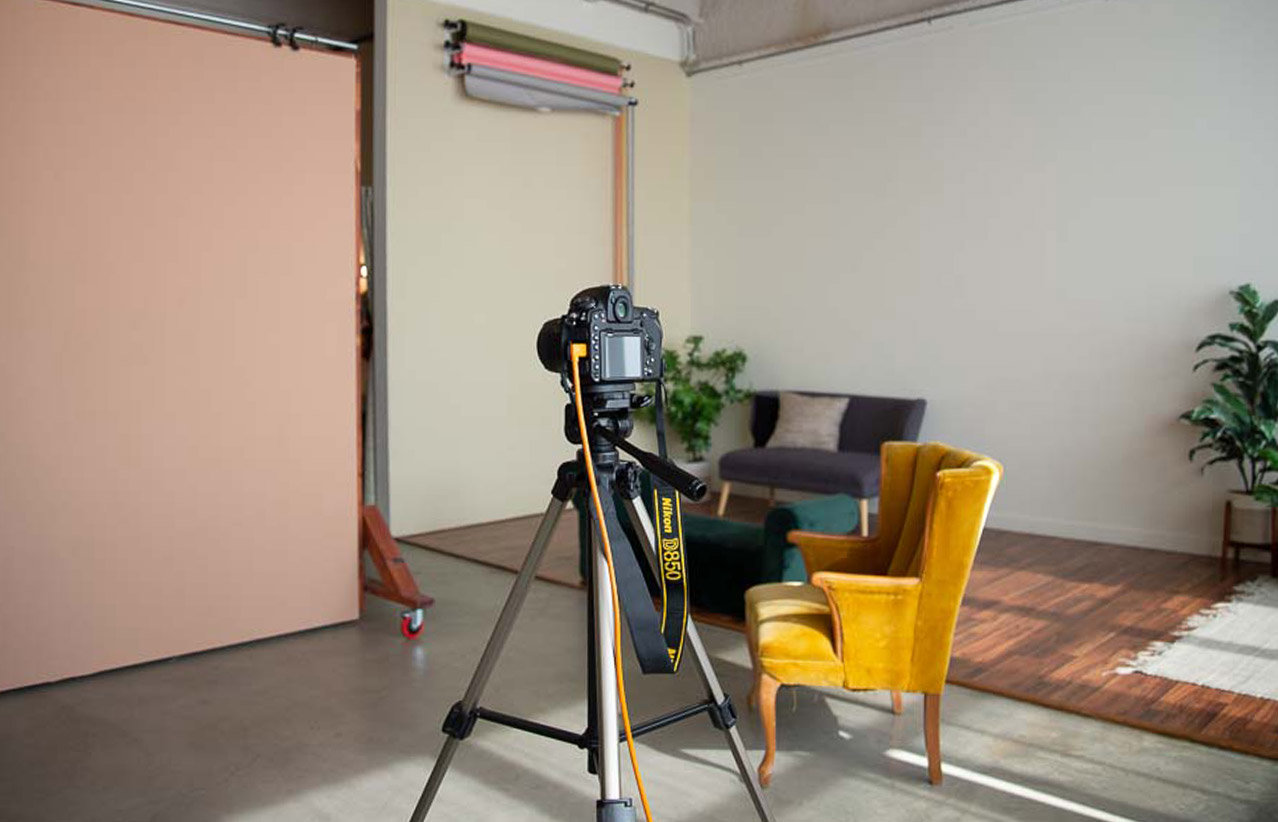
We use modifiers and photography gear to craft the light by boucing or flagging light depending on the light that day. We use v-flats, bounce cards, rolling backdrops and the curtain system to control the amount of light that enters the studio. It’s like a Wizard of Oz experience.

View our Natural Light Studio

Located in Northwest Portland, Oregon.

The studio is the perfect space for your professional headshot session to develop an image that projects confidence, intelligence, and approachability. 

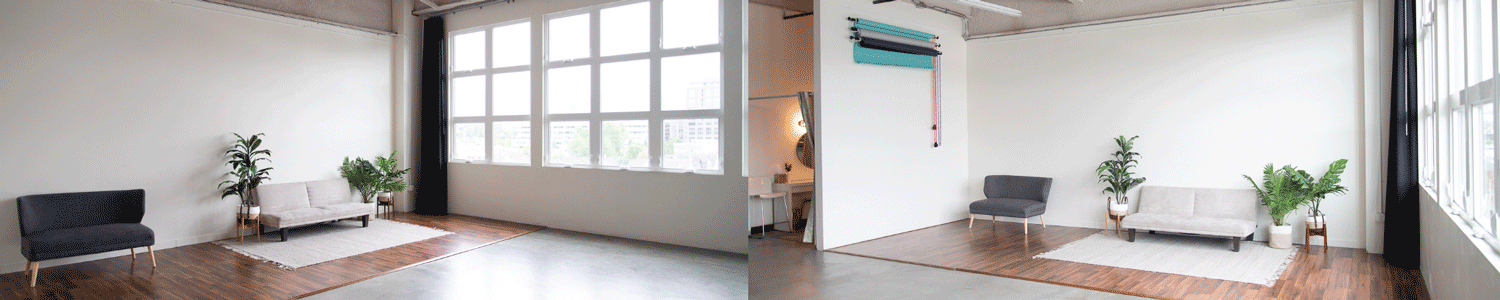
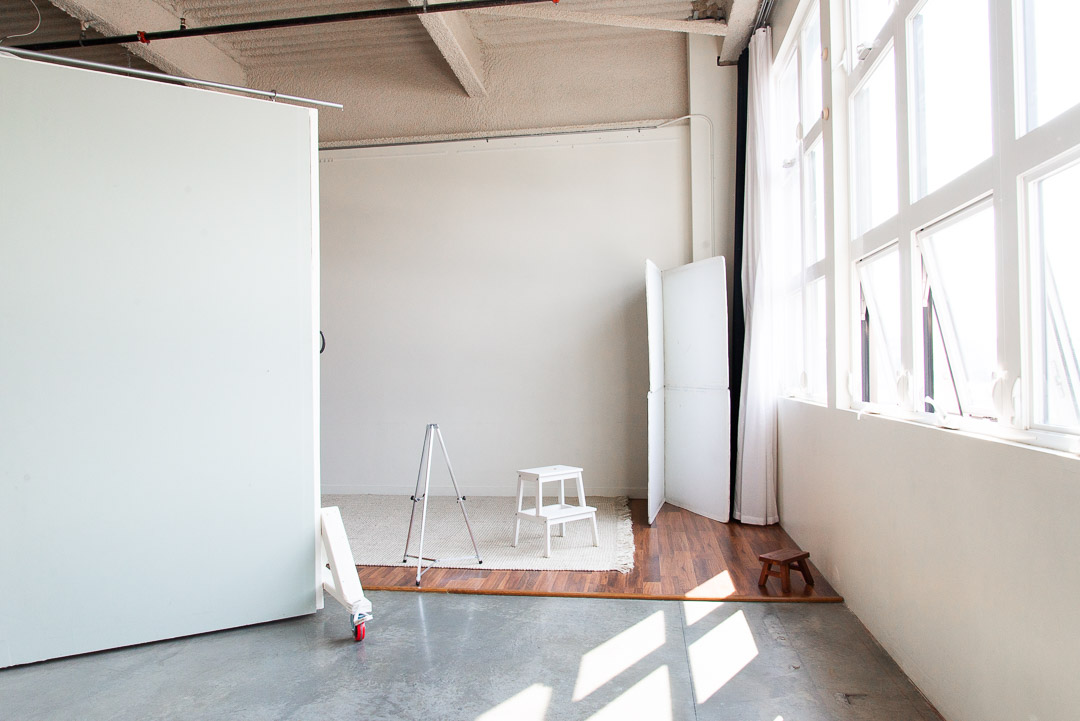
The light and bright natural light professional photography studio, Studio Northwest, is located in northwest Portland, Oregon. Large windows allow the south facing light to illuminate the space providing diffused light for a soft flattering glow.

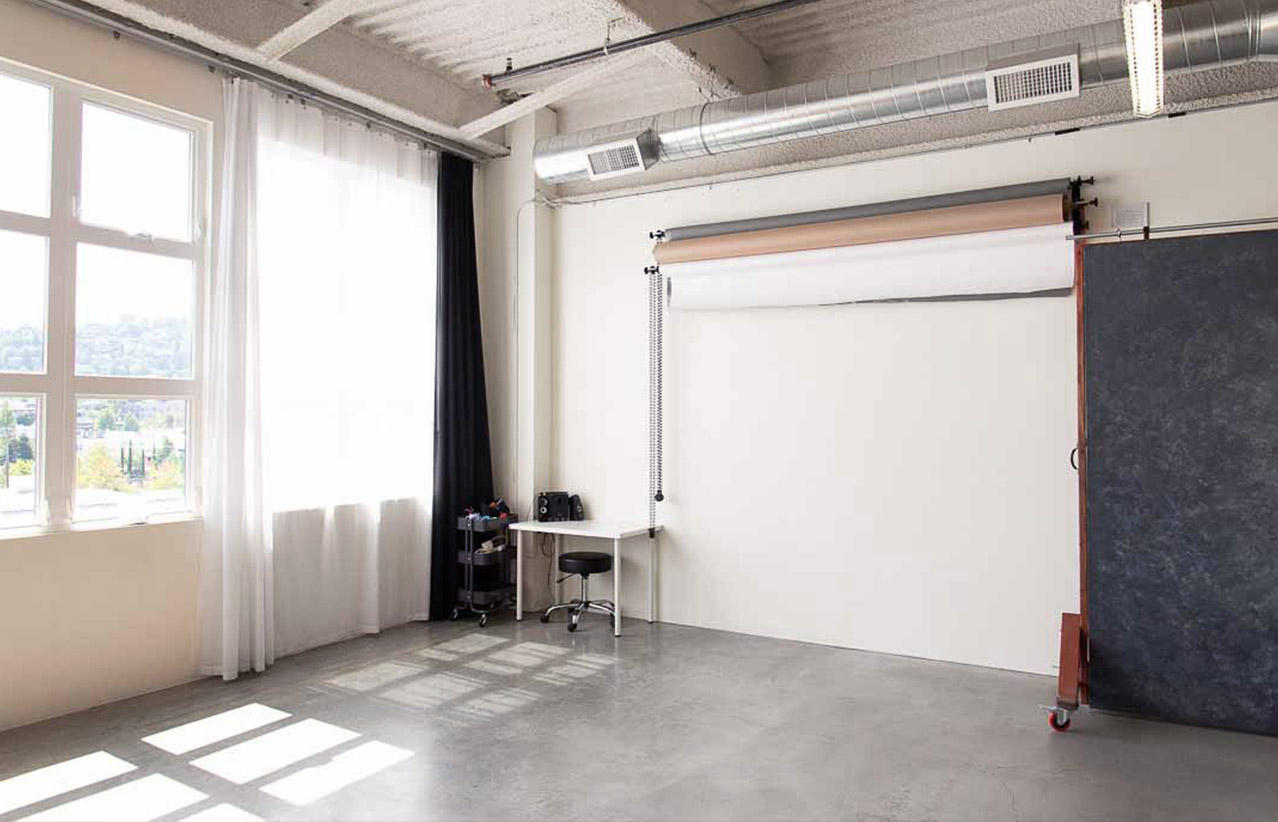
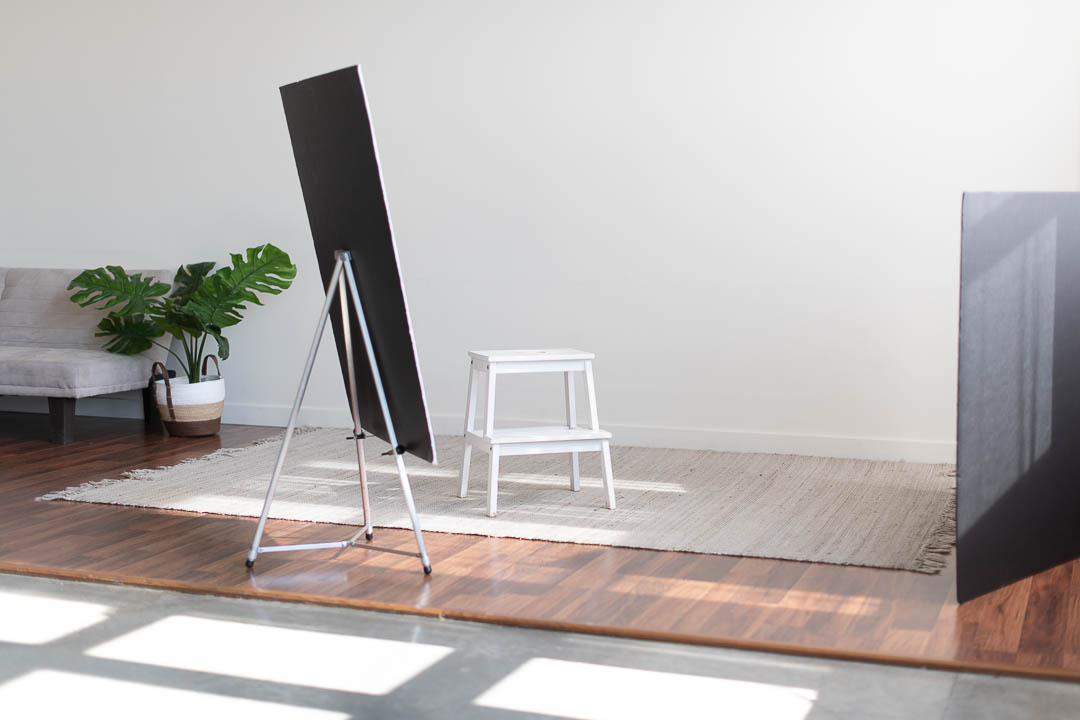
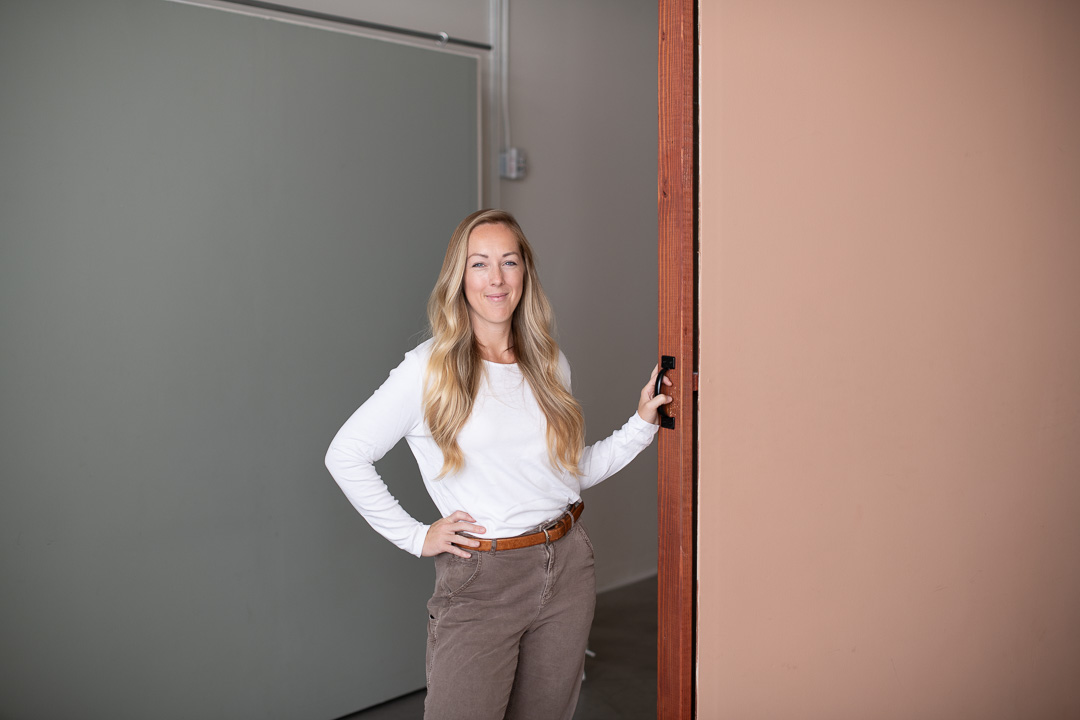
You can choose from a handful of background colors, style set ups and posing furniture as options for your headshot.

The studio has a beauty station for touch ups or for your professional hair and makeup stylist. There is also a wardrobe space which is great for selecting outfits.

With a few light modifiers, a couple poses and you are all set with a new headshot!

Natural Light Studio Headshots Gallery

Large windows allow the south facing light to illuminate the space providing diffused light for a soft flattering glow.

Behind the scene look at our natural light setups.

View our three client examples at our natural light studio using large windows that allow the south facing light to illuminate the space providing diffused light for our headshots.

Natural Light Studio Setup for Northwest Tenant Group

For our client Northwest Tenant Group, we created new headshots in our Natural Light Studio that has large south facing windows to allow the sunlight to illuminate the space providing diffused light.

We used a neutral background, simple style set up and posing furniture for Stanford and Becca’s company team headshot session. 

Natural Light Studio Setup for GridStor

For our returning client GridStor, we used the same lighting set up as we do for all their headshots, the Natural Light Studio.

With our window light setup as the main source of light since the beginning, when they were only 4 employees now over 40, this set up provides us consistent headshots for GridStor every time allowing for future sessions of new hires to blend seamlessly. The result are well balance headshot photos the illuminate each person that projects confidence, professionalism and friendliness.

Natural Light Studio Setup for Business Professionals

The goal of an individual business headshot session is to develop an image that projects confidence, intelligence, and approachability. 

All of our individual and team headshot sessions include the use of the Natural Light Studiolocated in northwest Portland, Oregon. Other locations options are outdoor or on site at the client’s office.

At our studio the large windows allow the south facing light to illuminate the space providing diffused light for a soft flattering glow. You can choose from a handful of background colors, style set ups and posing furniture as options for your portrait. These sessions are designed to provide professional headshots while using classic photographic techniques that utilizes or mimics sunlight to enhance the light quality for each individual.

Our Two Lighting Techniques for Headshots

We offer out clients natural light and strobe flash headshot photography services. Natural light is use mostly in our studio and at outdoor locations while the strobe flash headshots are most commonly used on-site at a client’s office or private space. 

What are the two lighting techniques for headshots?

1. Natural Light

The natural lighting techniques we use at our studio use manipulation of sunlight through clouds, white curtains or how it enters the studio. This diffused light fills the large south facing windows and creates a unique effect strobe photograph cannot make.

2. Strobe Flash

Strobe flash photography is a classic technique that has been used in studios for decades using artificial light. It is very directional which limits the area in which the subject can move around. However, this setup can be great for single image headshot packages, team headshots or matching existing headshots.

In the example above our staff photographer Jodhi is photographed in the studio. On the left he is lit by the natural light from our studio’s large south facing windows. On the right image he is lit by a strobe flash head with a 7ft modifier.

Want to see our strobe flash headshots?

Explore the world of flash photography for headshots by visiting our recent blog post What are strobe flash headshots?

Flash photography uses strobe lights known as heads to pop light through a modifier, in our case umbrella used in the photo above, to create a light source for the photographer’s subject, in our case, the lighting we use for our client’s headshots.

In this post we explore:

  • the difference between natural light and strobe flash headshots
  • show galleries of our work for each technique
  • show some behind the scene looks at our setups

For more information visit Two Types of Lighting for Headshots↗

Interested in Working Together?

What are Strobe Flash Headshots? 

Strobe Flash Photography for Headshots 

What is strobe flash photography?

Let’s explore the world of strobe flash for headshots, look at techniques and view examples.

Flash photography uses strobe lights known as heads to pop artificial light to create a light source for the photographer to use on their subject, in this case, we used an umbrella modifier for our client’s headshots.

In this post we will explore:

  • the difference between natural light and strobe flash headshots
  • show a headshot gallery of this technique
  • show some behind the scene looks at our setups

Top images: Strobe flash set up. Bottom images: Natural light setup.

What are the two lighting techniques for headshots?

First, let’s learn about our two types of lighting styles we offer our clients.

Two Types of Lighting

We offer out clients natural light and strobe flash headshot photography services. Natural light is use mostly in our studio and at outdoor locations while the strobe flash headshots are most commonly used on-site at a client’s office or private space.

What is natural light headshots? The natural lighting techniques we use at our studio use manipulation of sunlight through clouds, white curtains or how it enters the studio. This diffused light fills the large south facing windows and creates a unique effect strobe photograph cannot make.

What is the strobe flash technique? Strobe flash photography is a classic technique that has been used in studios for decades using artificial light. It is very directional which limits the area in which the subject can move around. However, this setup can be great for single image headshot packages, team headshots or matching existing headshots.

Two Types of Lighting for Headshots

In the example above our staff photographer Jodhi is photographed in the studio. On the left he is lit by the natural light from our studio’s large south facing windows. On the right image he is lit by a strobe flash head with a 7ft modifier.

Behind the Scene Look at our Lighting Setups

View our client examples on-site and at the studio using strobe flash photography for their headshots!

On-site Setup for Client PEC

For PEC’s new company headshots we photographed on site with a single light strobe set up as the main source of light in addition to the natural light fill supplied from the outdoor setting through the windows. We used the client’s headquarters and office space as the two locations for the team headshots.

On-site Setup for Client WPI

We created new headshots for the leadership team of WPI’s Eugene office using a two light set up. We photographed on-site at the client’s office during work hours to provide accessibility and ease for each team member.

To match the headshots we made for the WPI Builds at their Portland office we used the same lighting set up and a neutral gray or white background on-site at their Eugene office.

We used a conference room wall to make these headshots and the same two light set up we used in the Portland office. The light source was a 3 ft octabank modifier on a Profoto B10 strobe head, our second Profoto B10 strobe head was used to light the background. We had the same modifier bounce cards in the same place to match the headshots we already made. Once the client made the selections we mad the background colors all match.

Studio Setup for Client Virginia Garcia Memorial Health Center

We updated the headshots for the Leadership Team and new hires for the Virgina Garcia Memorial Health Center in studio to provide a consistant type of setting. We used artificial strobe lighting to match previously done headshots!

Studio Strobe Flash Setup for our Client DHM Research

Behind the scenes to our light set up at our studio located in northwest Portland, Oregon.

Our client’s used strobe flash to match existing headshots for the company.

On-site Strobe Flash Setup for our Client Author Loren

We photographed Loren in his library of collected books on-site at his home. We used a 2 light set up, one 7 foot umbrella as the main light source and a single light in the back of the long library hall with a 3 foot umbrella.

Interested in Working Together?

Best Studio Backgrounds for Professional Headshots

Best Studio Backgrounds for Professional Headshots

What are the best tips for choosing a background for a headshot at a studio?

In this guide we will show some of our studio background options.

Our Studio Background Headshot Guide

Studio backgrounds can have a big impact on the overall look and feel of the photo. It’s important to choose a background that will make you stand out and look professional. In this guide we will show some of our studio background options.

Let’s explore some of the best backgrounds to consider in the studio for your professional headshot.

Examples of our studio backgrounds in this guide

  1. White or Gray Background
  2. Black Textured Wall
  3. Burnt Orange Wall
  4. Light Green Wall
  5. “Office” Setup Background
  6. “Greenery” Setup Background
  7.  Any Color Background Option (made post production)

Below we show examples of each of our most popular studio backgrounds for some of our clients. Depending on their needs we customized their background to match either their exsisting headshots or to make new ones.

Pro Tip: Background colors can be endless. We can change the color in the post production process to your desired brand color.

What are the best studio backgrounds for professional headshots?

In our Natural Light Studio located in NW Portland, Oregon, we photograph with a white background for most of our headshots. Depending on the client’s needs, we can desaturate the background, add a gradient, or change the color completely.

Studio backgrounds can provide a solid-color for your professional headshots. For corporate photos the most commonly used color are shades of gray. Shades of gray are clean, classic and suitable for most industries and work great with social media and website layouts.

Questions to consider when deciding on a studio background:

  • What background set up or color works with my business?
  • If I don’t know can my photographer suggest a background color?
  • What background colors or textures does my industry use?
  • Does my company already have an existing background color?
  • What colors am I wearing? Will the background wash me out or contrast with the colors I’ve chosen?

Pro tip: Know what your headshot will be used for before you decide on the look you want.

1. Classic White and Gray Wall Option

Client Background: Studio light gray

Our client, TCA, Tyee Carr Advisory were photographed in our studio with natural light as our light source. We used the classic white wall backdrop for these headshots in our Natural Light Studio located in northwest Portland, Oregon.

Client Background: Studio light gray and dark gray backdrop

Client Background: Studio light gray wall 

Client Background: Studio light gray wall without desaturation in post production 

2. Black Textured Wall Option

Client Background: Studio black textured wall

Our client, Virginia Garcia Memorial Health Center headshots were photographed in our studio with strobe flash as our light source to match exsisiting headshots already made for the team. We used the black textured rolling backdrop for these headshots in our Natural Light Studio located in northwest Portland, Oregon.

Client Background: Studio black textured wall, added blue hue in post production

Lawyer Attorney at Law Headshot

3. Burnt Orange Wall Option

4. Light Green Wall Option

5. Office Studio Setup Option

6. Greenery Studio Setup Option

7. Any Color Background Option (made post production)

Want to see more examples of our studio headshots? Visit our Studio Headshots Gallery

For additional questions about headshots and photography sessions, visit our FAQ or view our guide to preparing for your headshot session.

Interested in Working Together?